WorkCase study
Bama
Bama turns a topic into a Hebrew presentation, right to left from the request to the exported file. I co-founded it with Rom Tregerman. I designed the product, the interface and the brand and built the frontend, and Rom develops the backend.
bama-slides.com (opens in a new tab)- Role
- Co-founder · Product design · Brand · Frontend
- Team
- Jonathan Rashi, Rom Tregerman
- Stack
- Next.js, React, Tailwind CSS, Prisma, Supabase, AI SDK
- Status
- Live
Problem
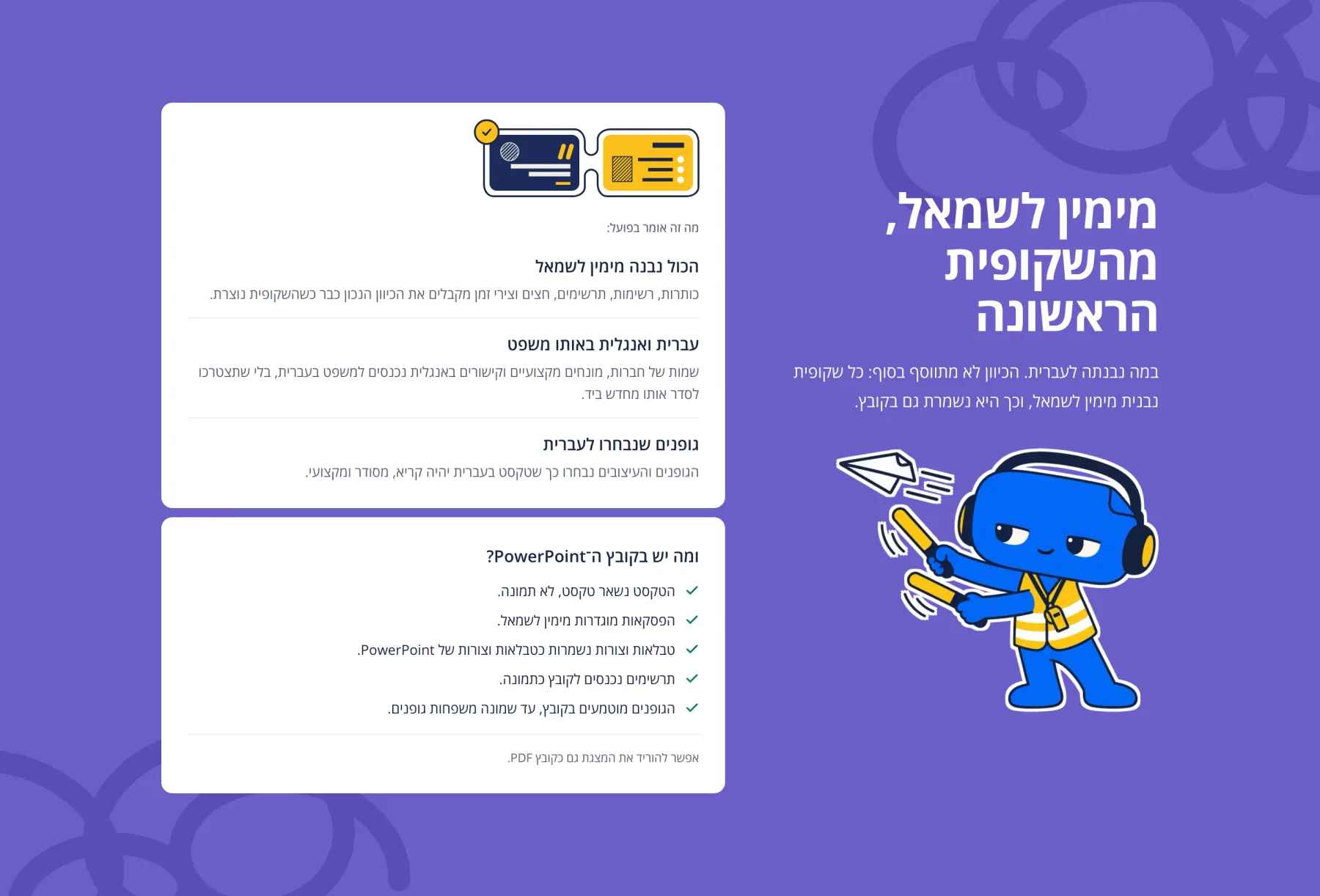
A Hebrew deck has to read right to left everywhere, from the request to the exported PowerPoint. In Bama, direction is data: it resolves per slide, then per deck, then per language, and nothing is mirrored wholesale, so a chart moves its legend and value axis to the right while its data keeps its order. The rest of the work is the interface around the slides: asking for a deck, shaping it before anything is designed, waiting while it’s made, and handing it over without a broken slide.
My role
- Co-founder
- Product design
- Brand
- Frontend
The app
One pass, start to finish
A topic goes in and a deck comes out, with two stops where you decide: the outline, before any slide is designed, and a check before the file leaves. This film runs the whole way once.
The structure comes first
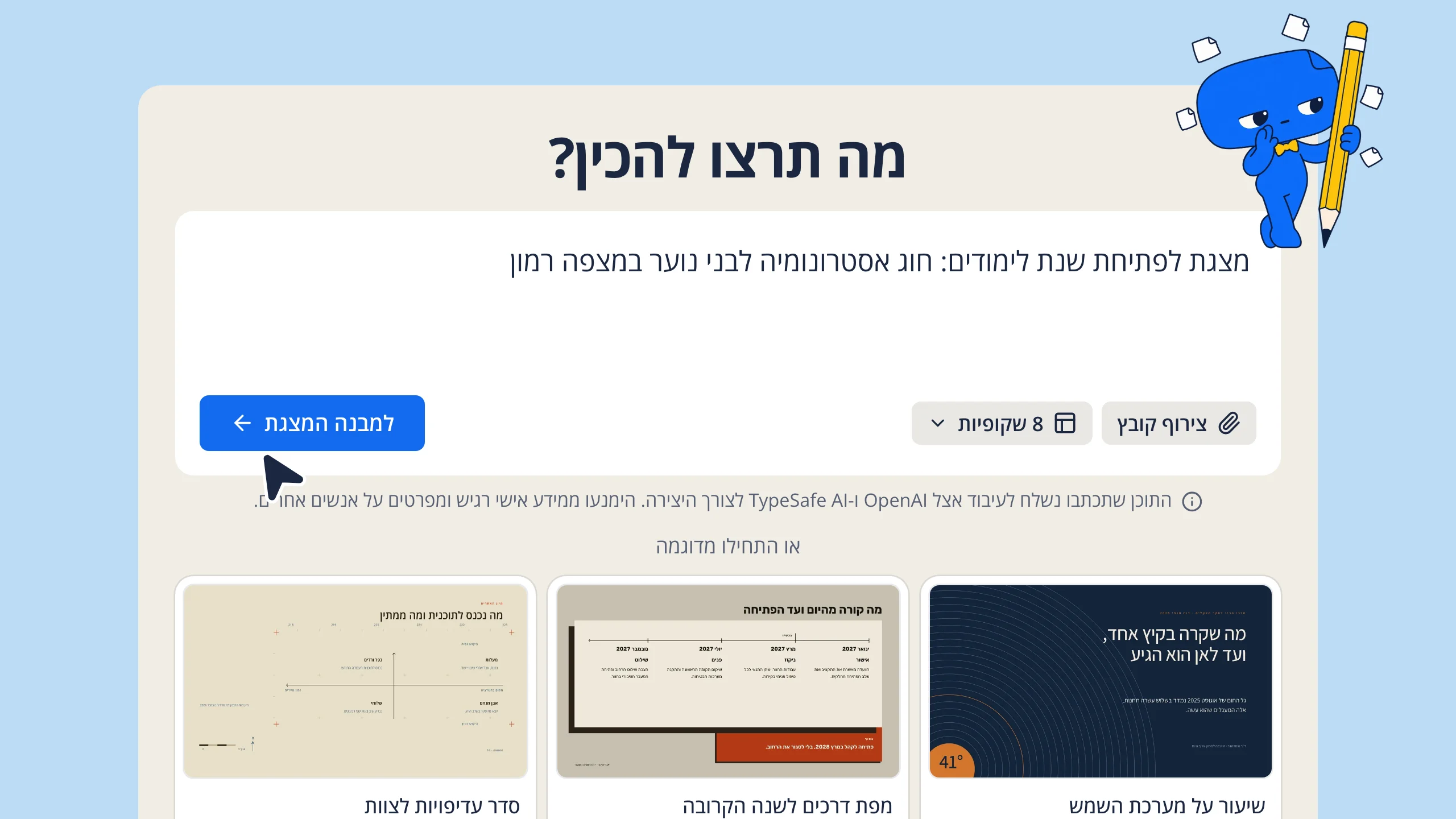
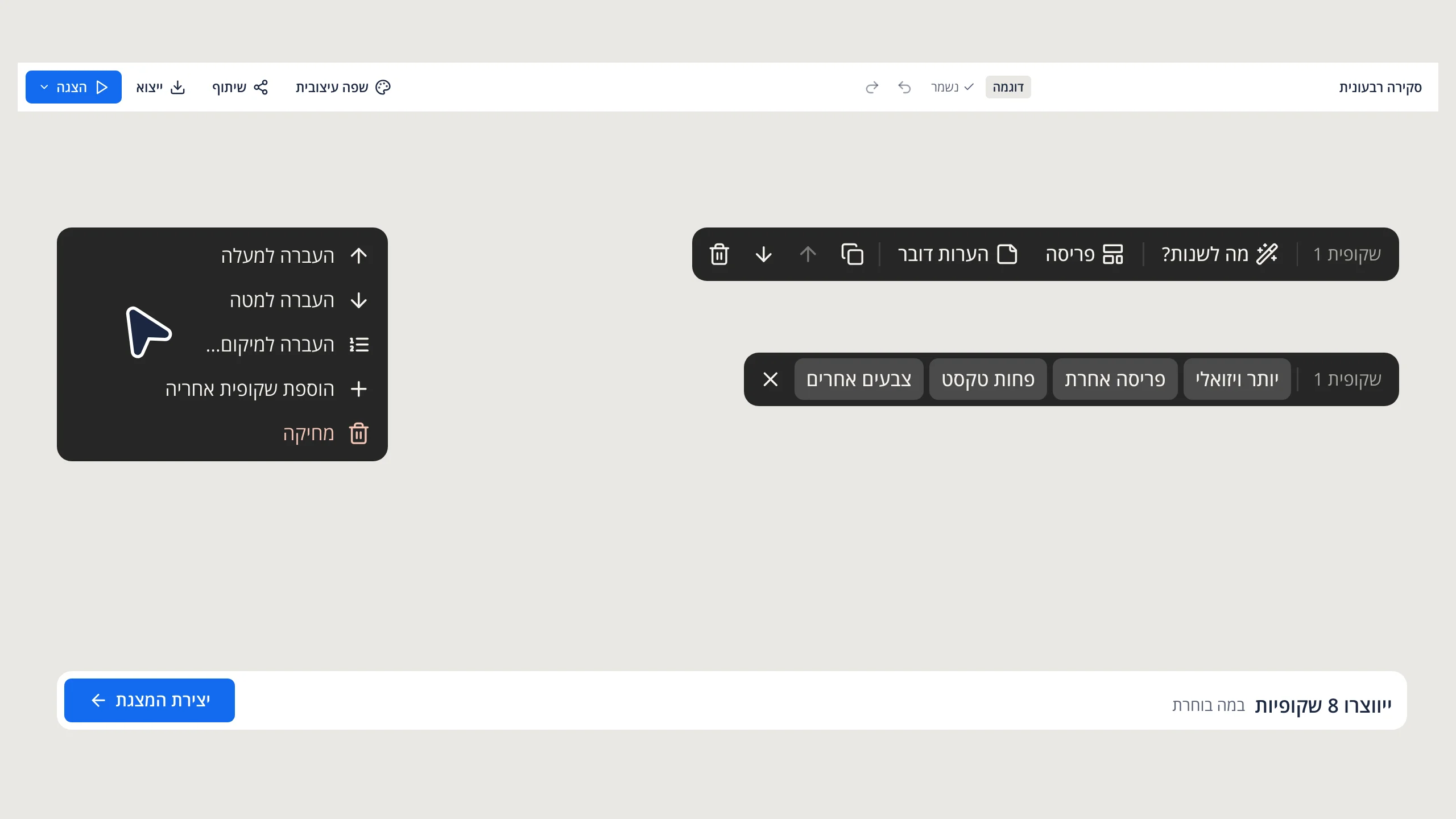
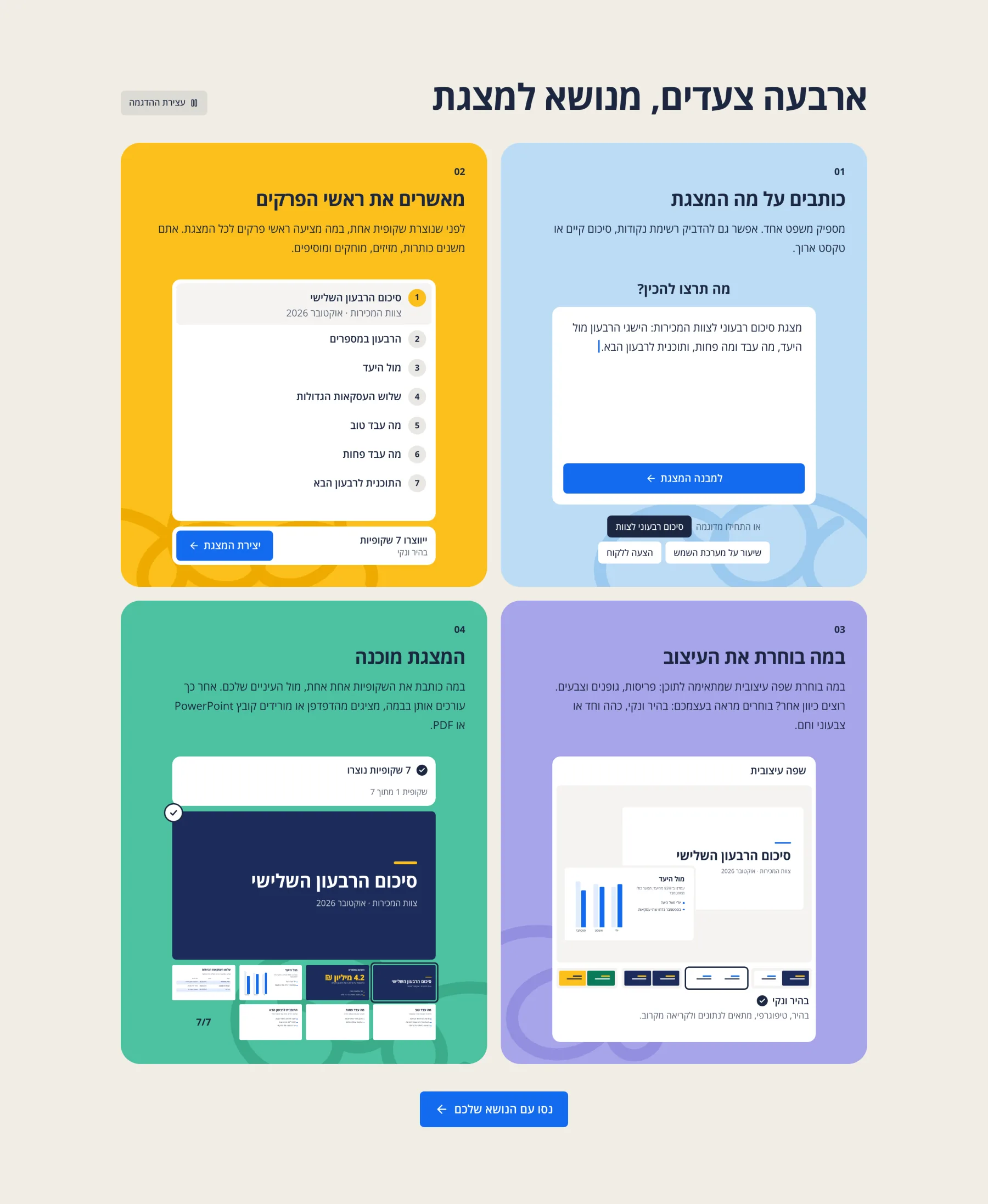
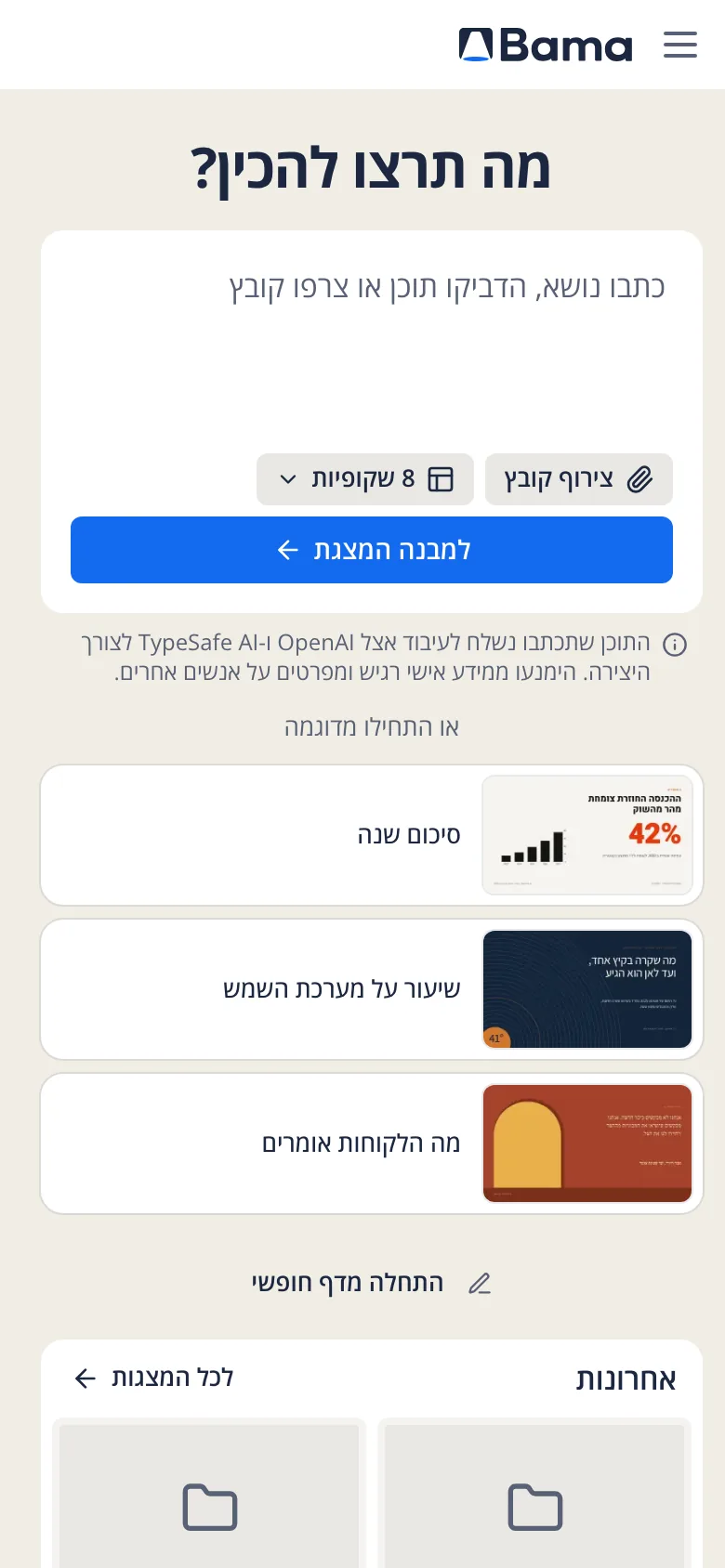
The home screen asks one thing, מה תרצו להכין? (“What would you like to make?”), and has one blue key. Bama answers with an outline: numbered titles and points, written while you watch. An argument is easier to fix in a list than across designed slides, so I put the editing there. Every item changes where it stands, moves by dragging or from the keyboard, and the whole structure can be swapped for another before anything is designed.
Saying what’s happening
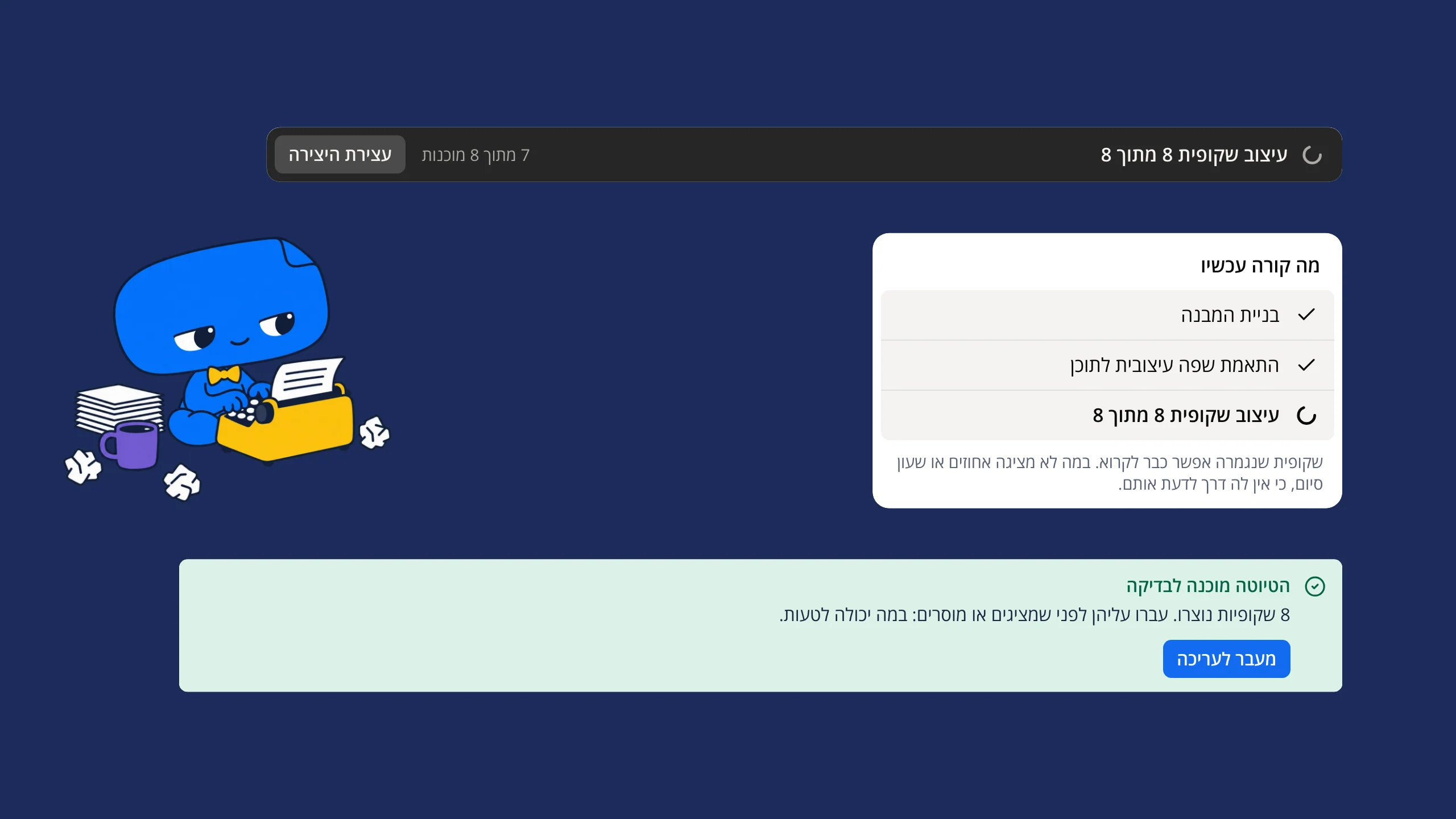
A deck takes a while to make, so the screen says what’s going on in plain words. A dark bar counts the slides designed so far and keeps stop in reach. A card lists the steps that are done and the one under way. When it’s finished, one green notice replaces both: הטיוטה מוכנה לבדיקה (“the draft is ready to review”).
Text that fits, or says so
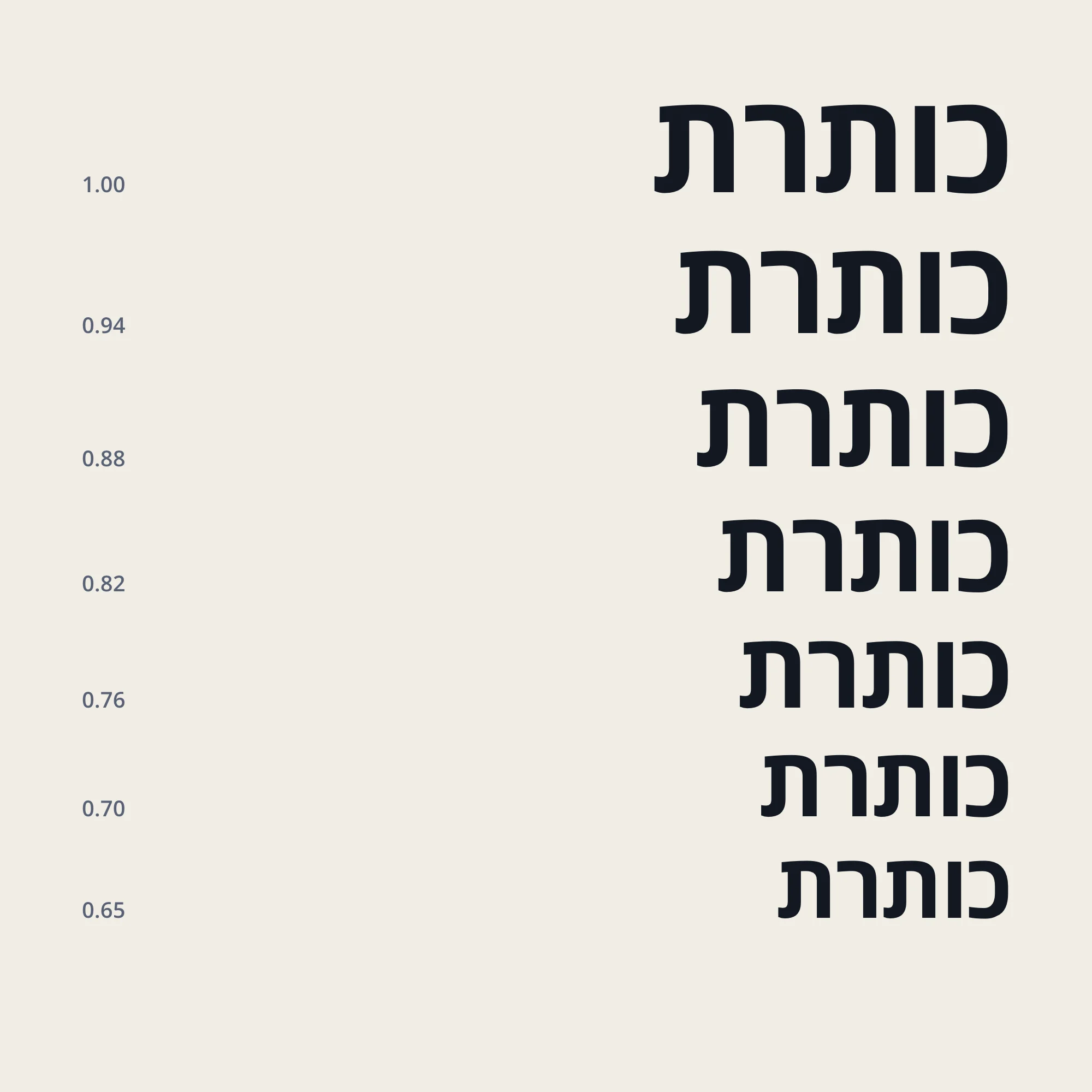
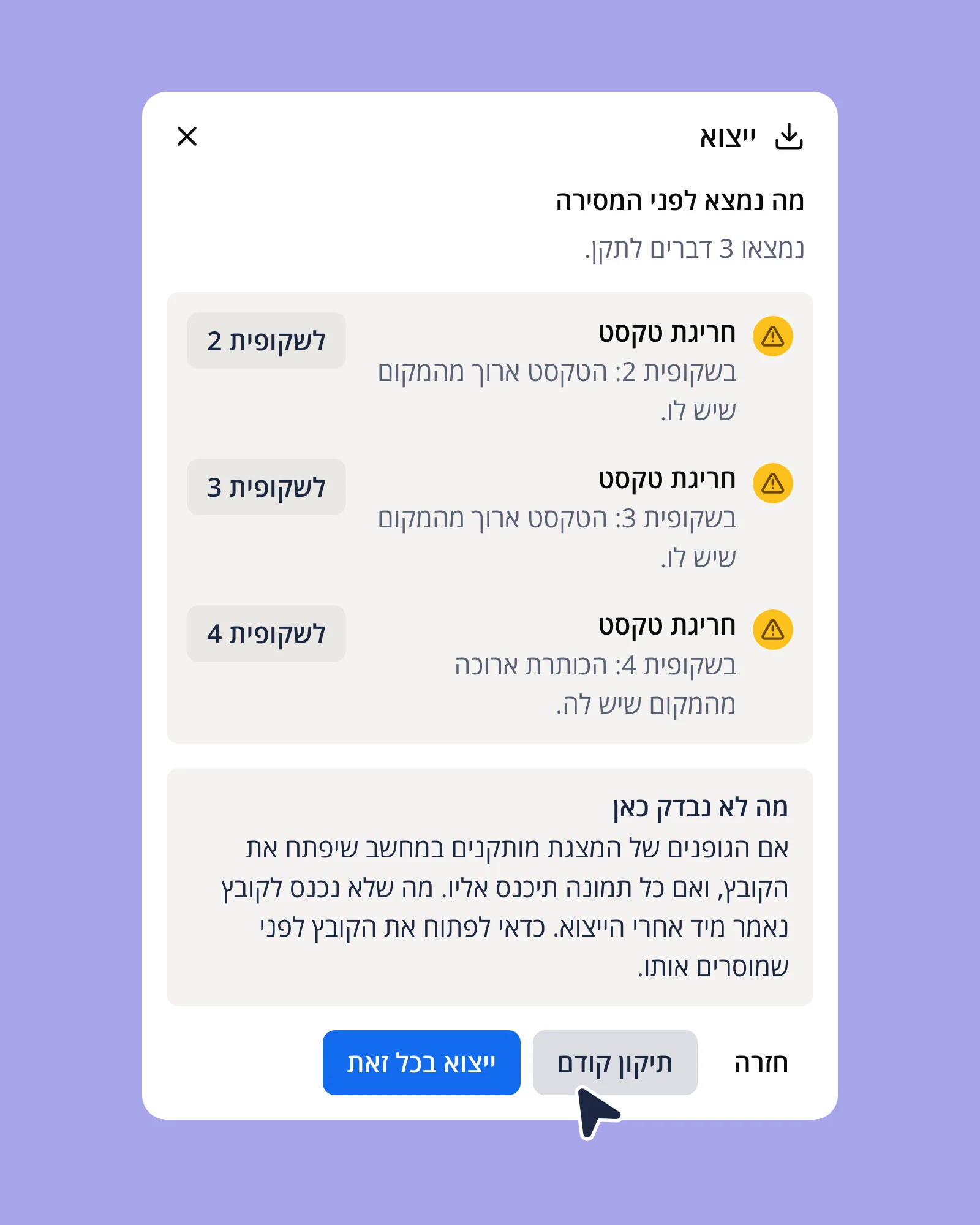
A text box steps down one fixed ladder of sizes, from 100 to 65 percent, and stops at a floor set for its role. Whatever still doesn’t fit goes on a list instead of off the slide. Before a PowerPoint or PDF is exported, the check names each slide whose text runs over, says what it can’t see, and offers to fix it first. The engine’s rule fits on one line: “Overflow is reported, never clipped.”
Rules short enough to quote
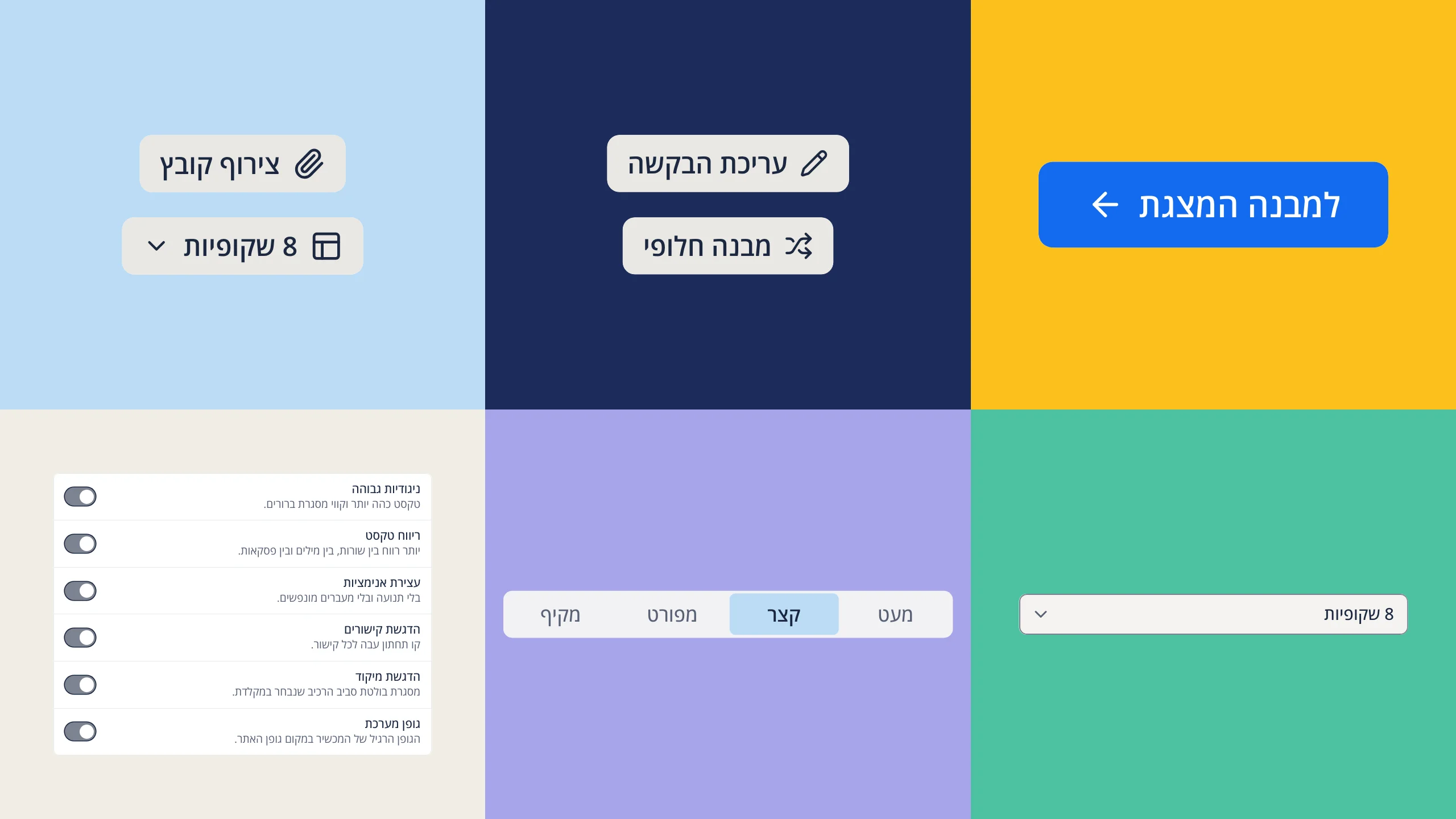
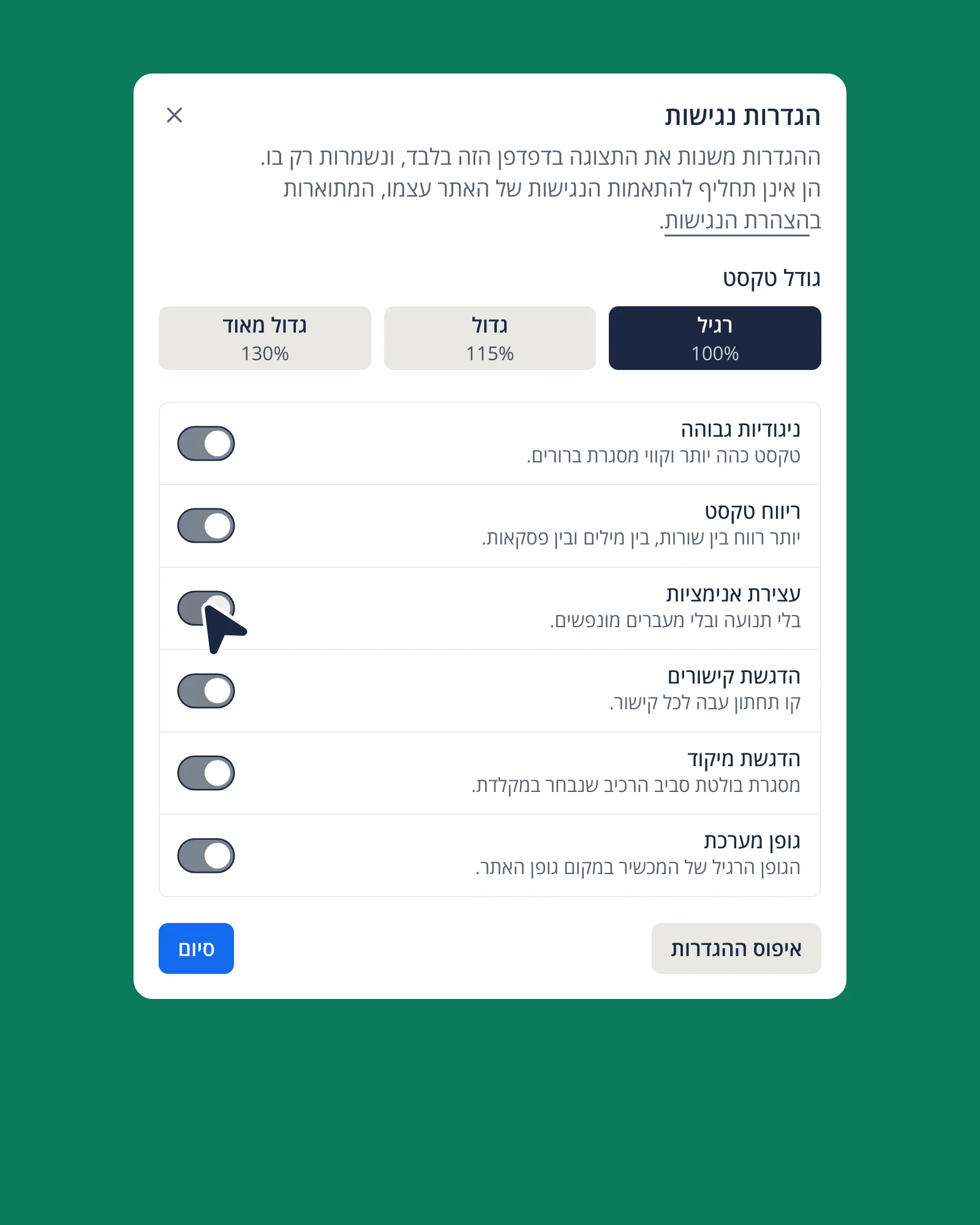
The interface runs on a few written rules: “One key per decision area.” “Blue is a fill, never text.” “Red is only failure and deletion.” “What floats is dark.” An error always has an edge and an icon as well as its red, so it never depends on color alone. An accessibility dialog adds larger text, high contrast, text spacing, stopped animations and a strong focus ring for anyone who needs them. Every piece on these boards is cut from a working screen.
The brand
A stage, a spotlight, a character
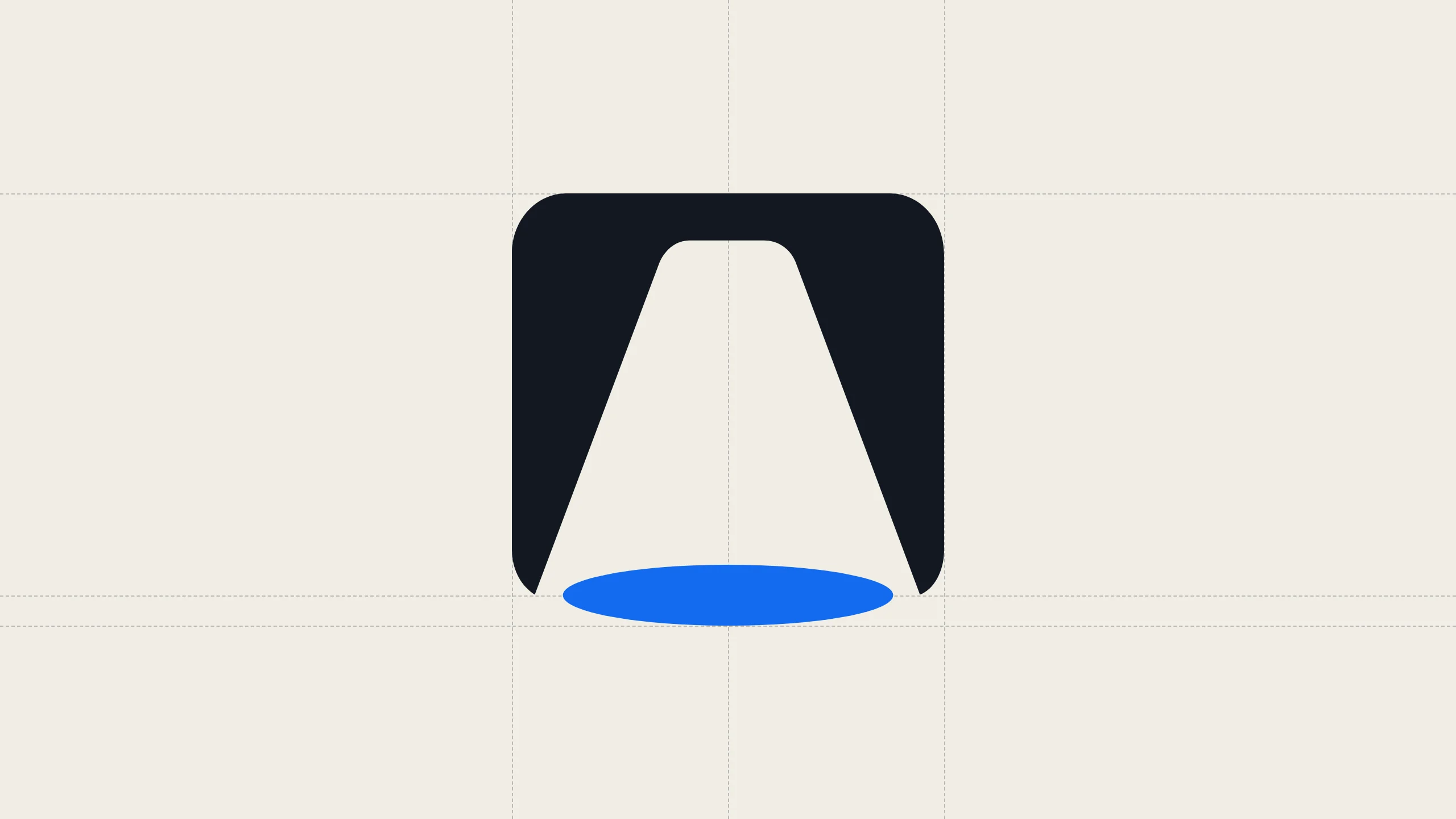
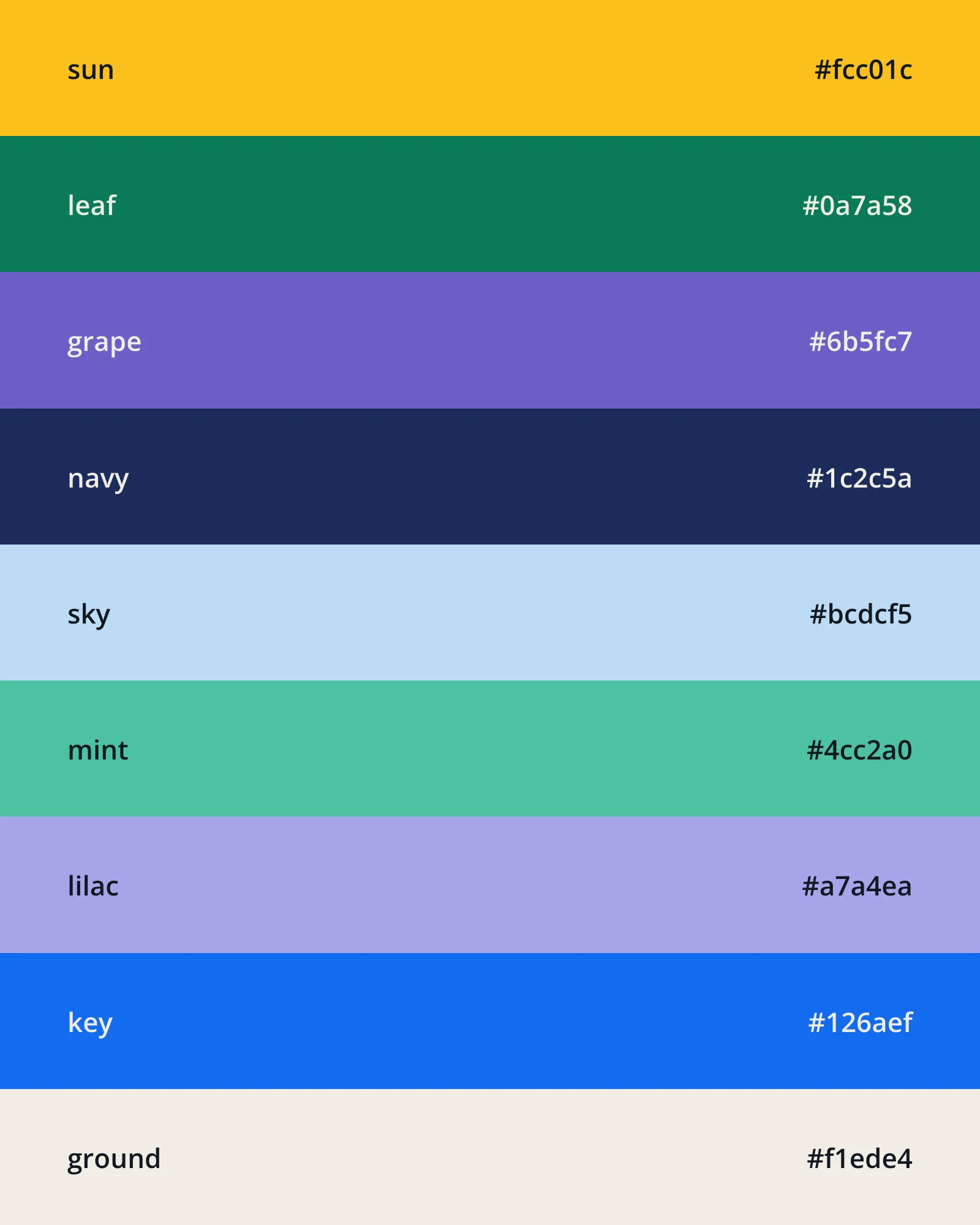
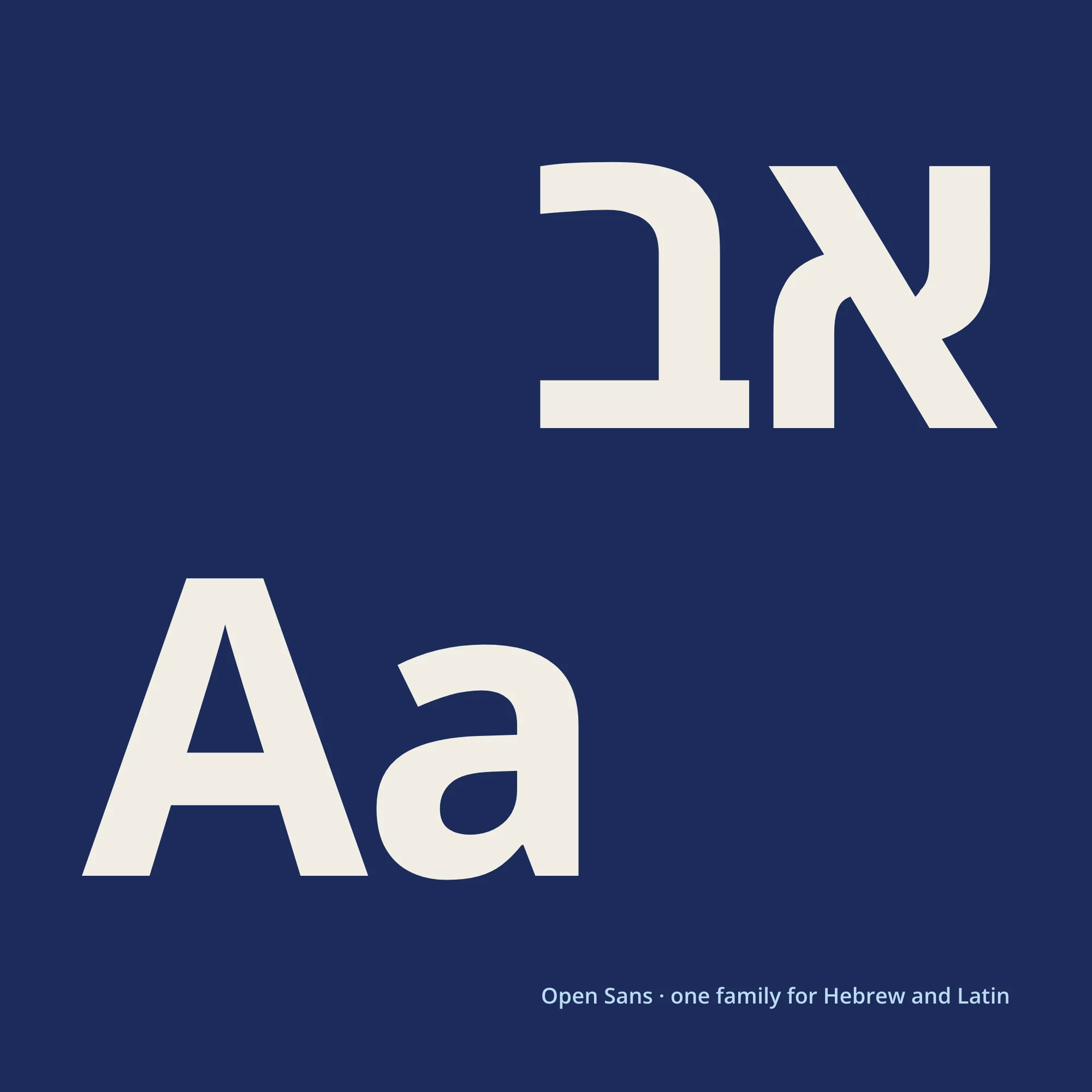
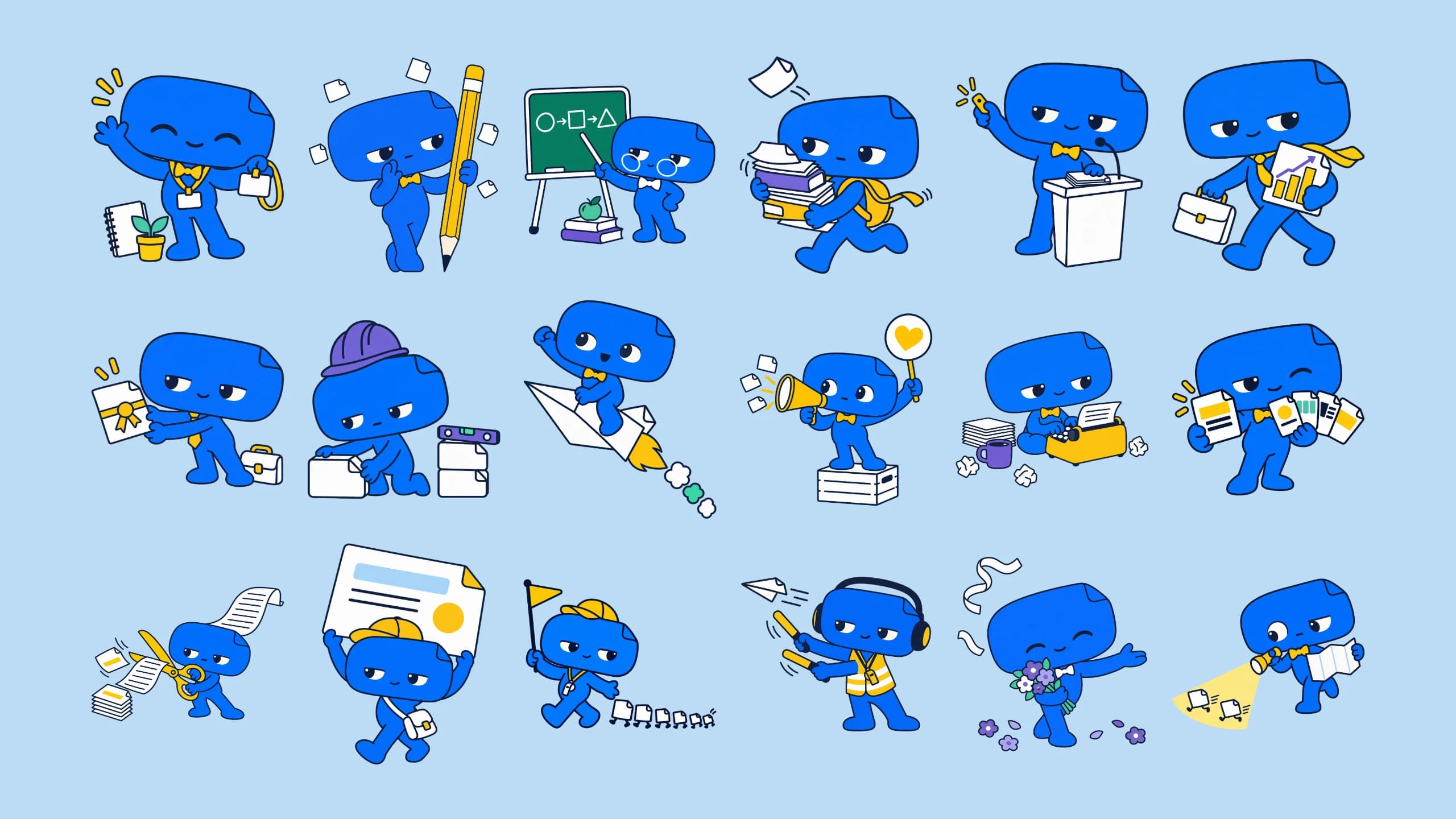
במה is Hebrew for stage, so the mark is one: a dark slide with a beam of light landing on a blue ellipse. That blue, #126aef, is the blue of every key in the app, and one family, Open Sans, sets both Hebrew and Latin. Bami, a character whose head is a slide, has eighteen drawings, one for each situation the site describes. I made each one from my own prompts.
The site
The loud register
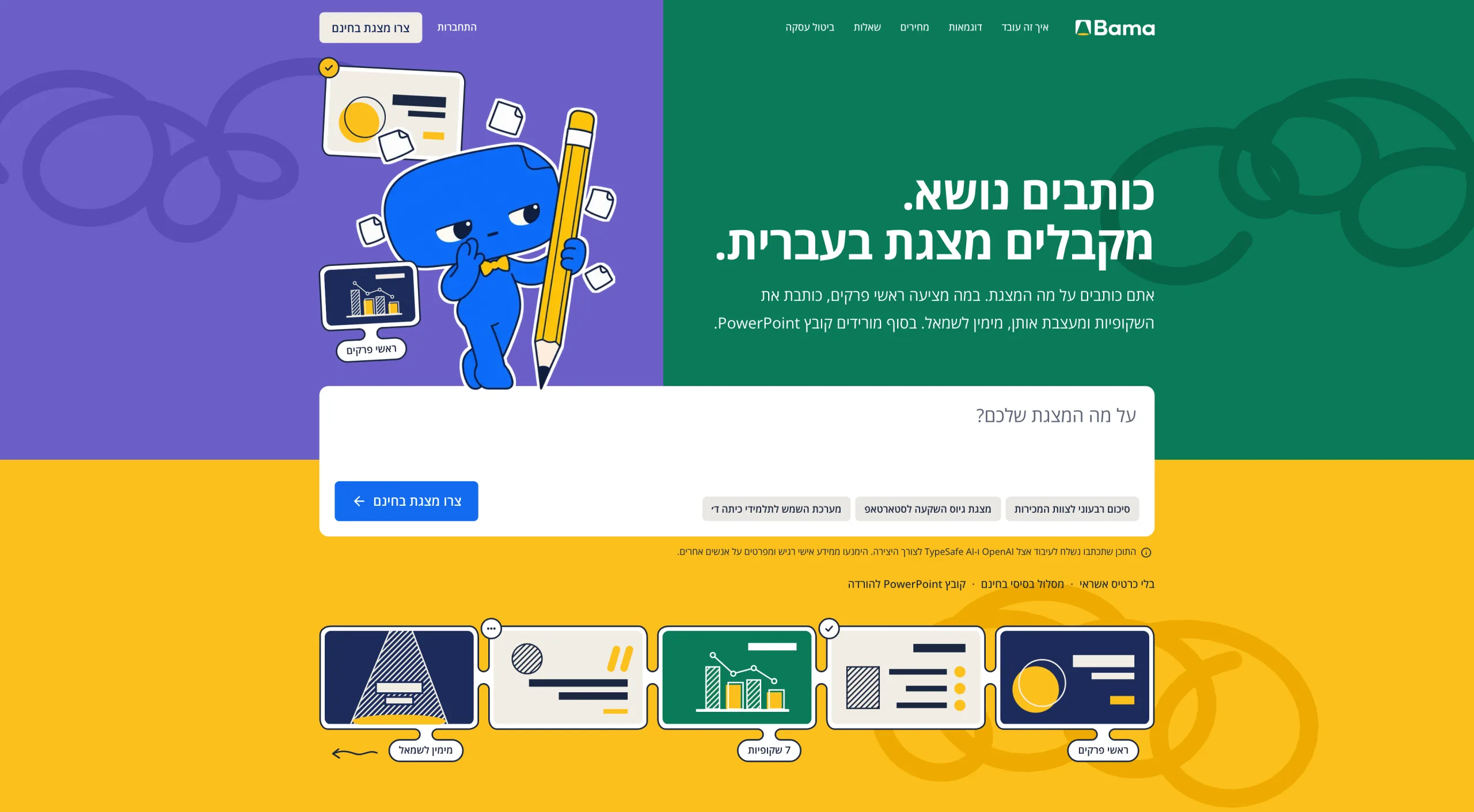
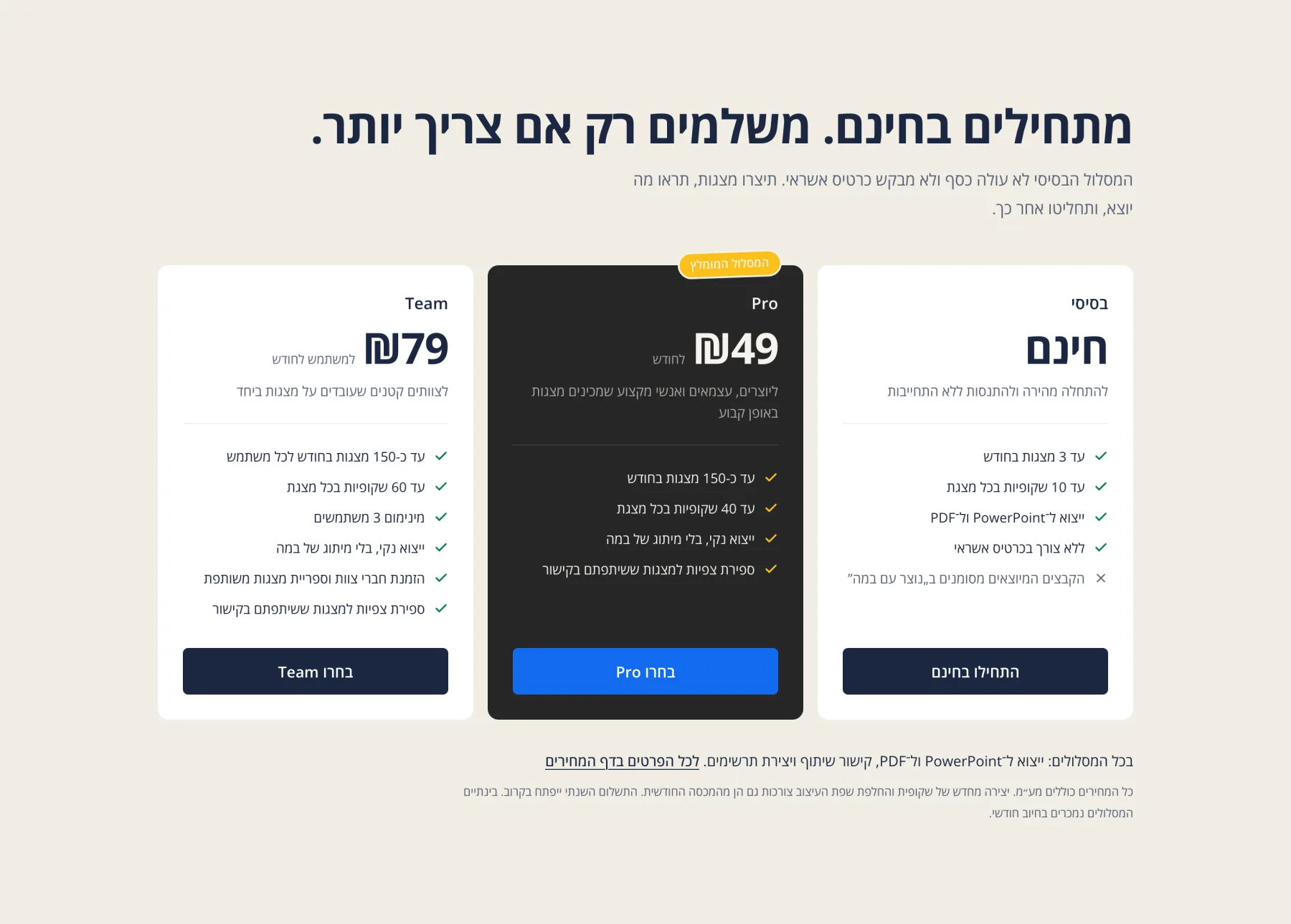
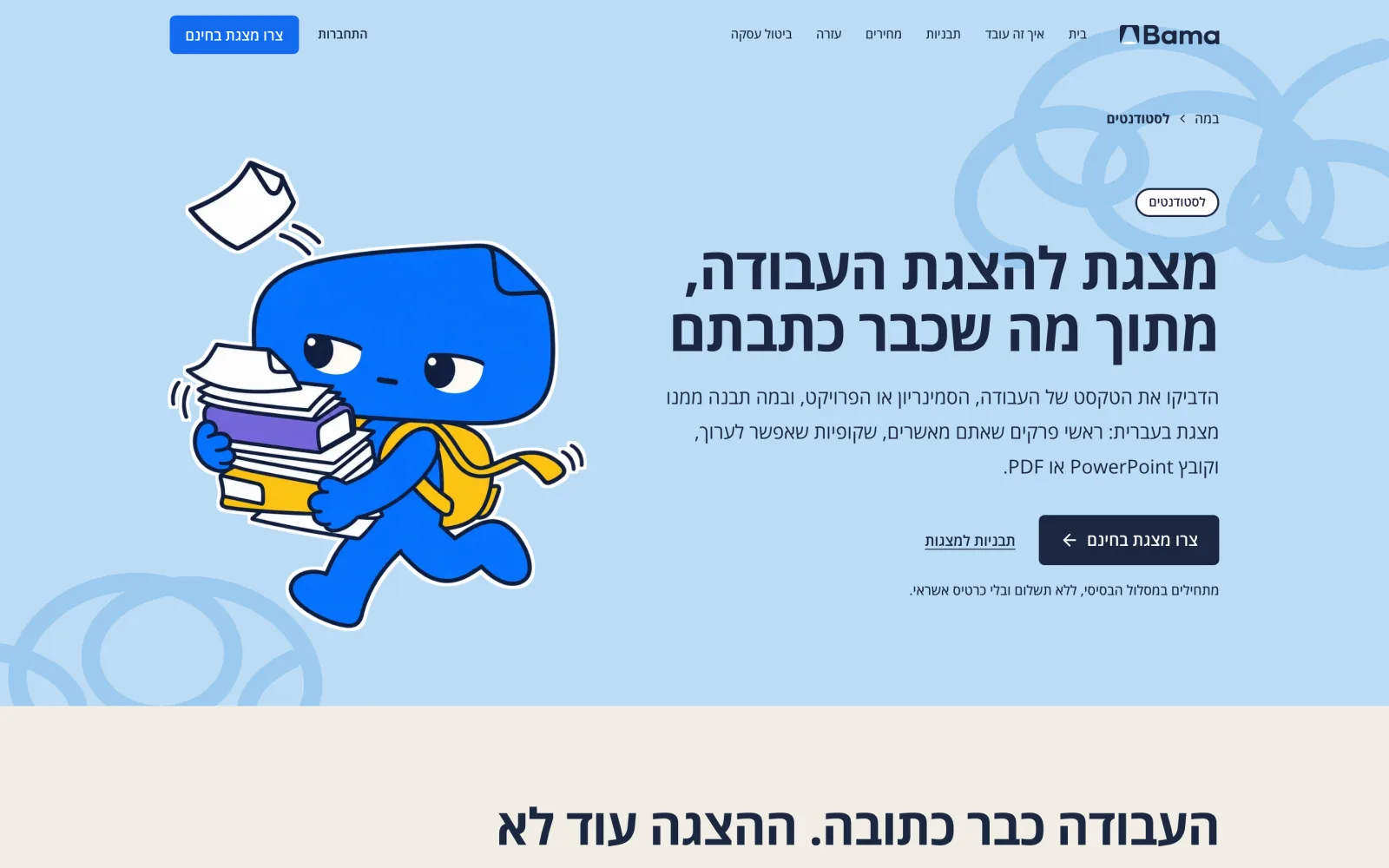
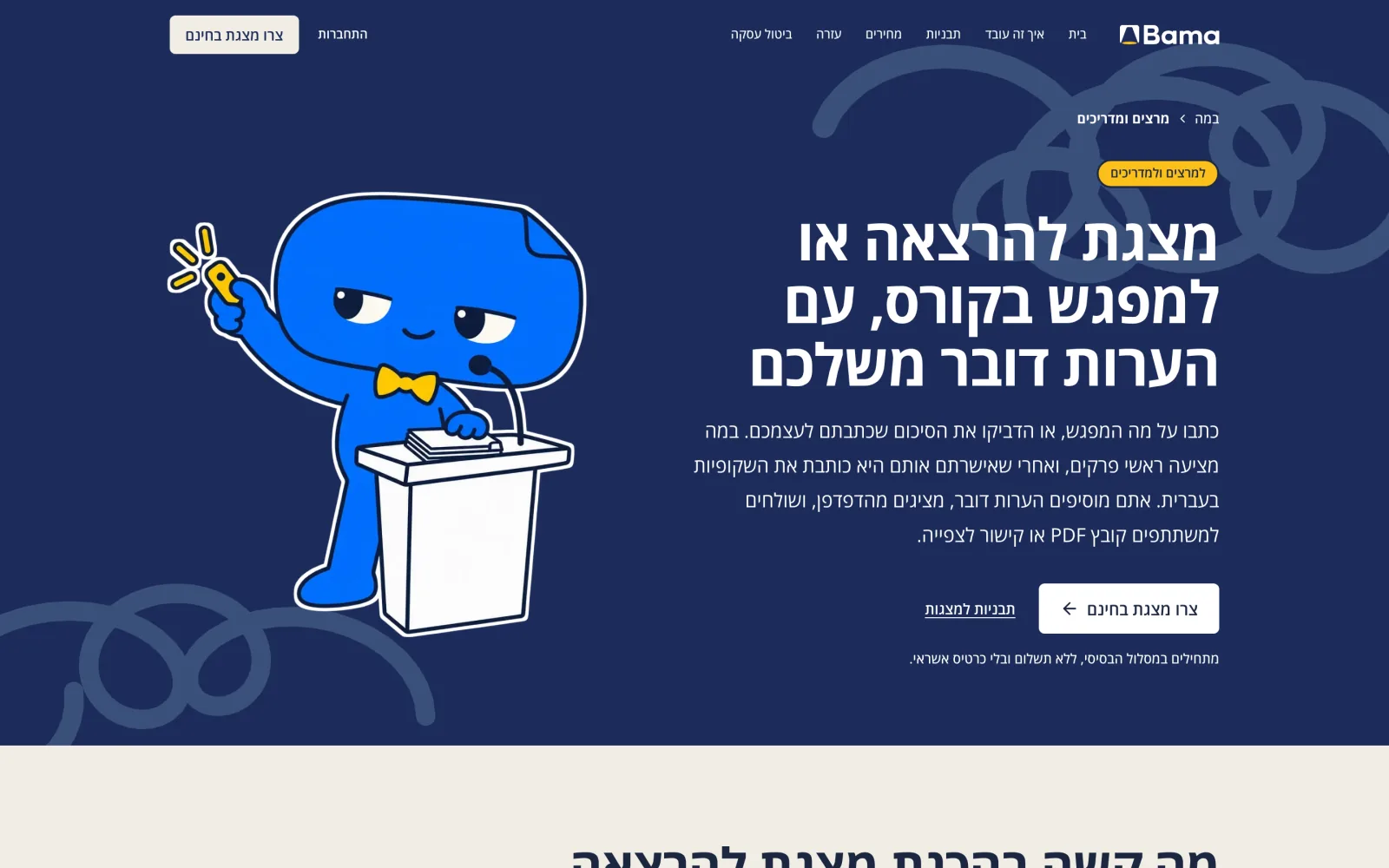
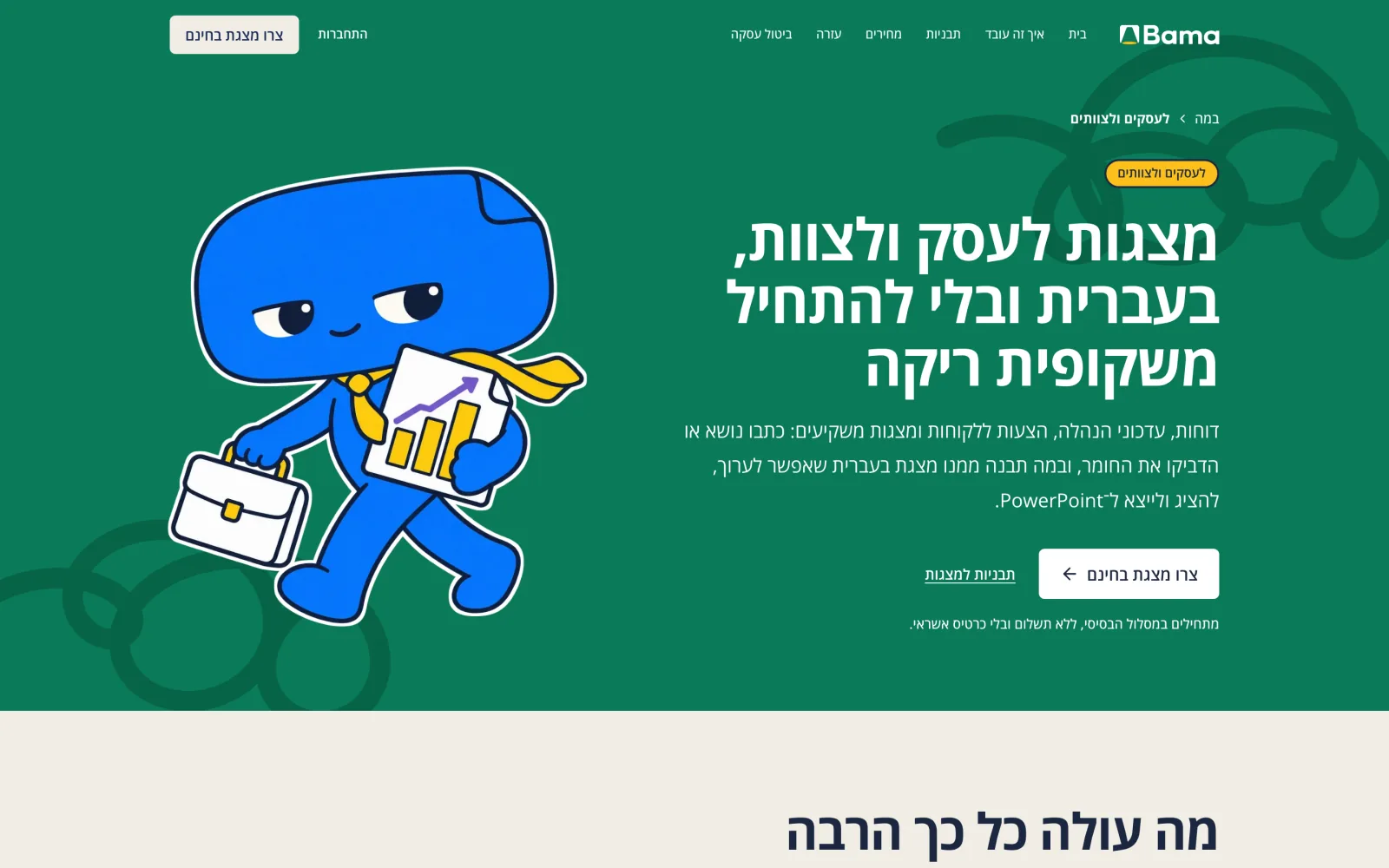
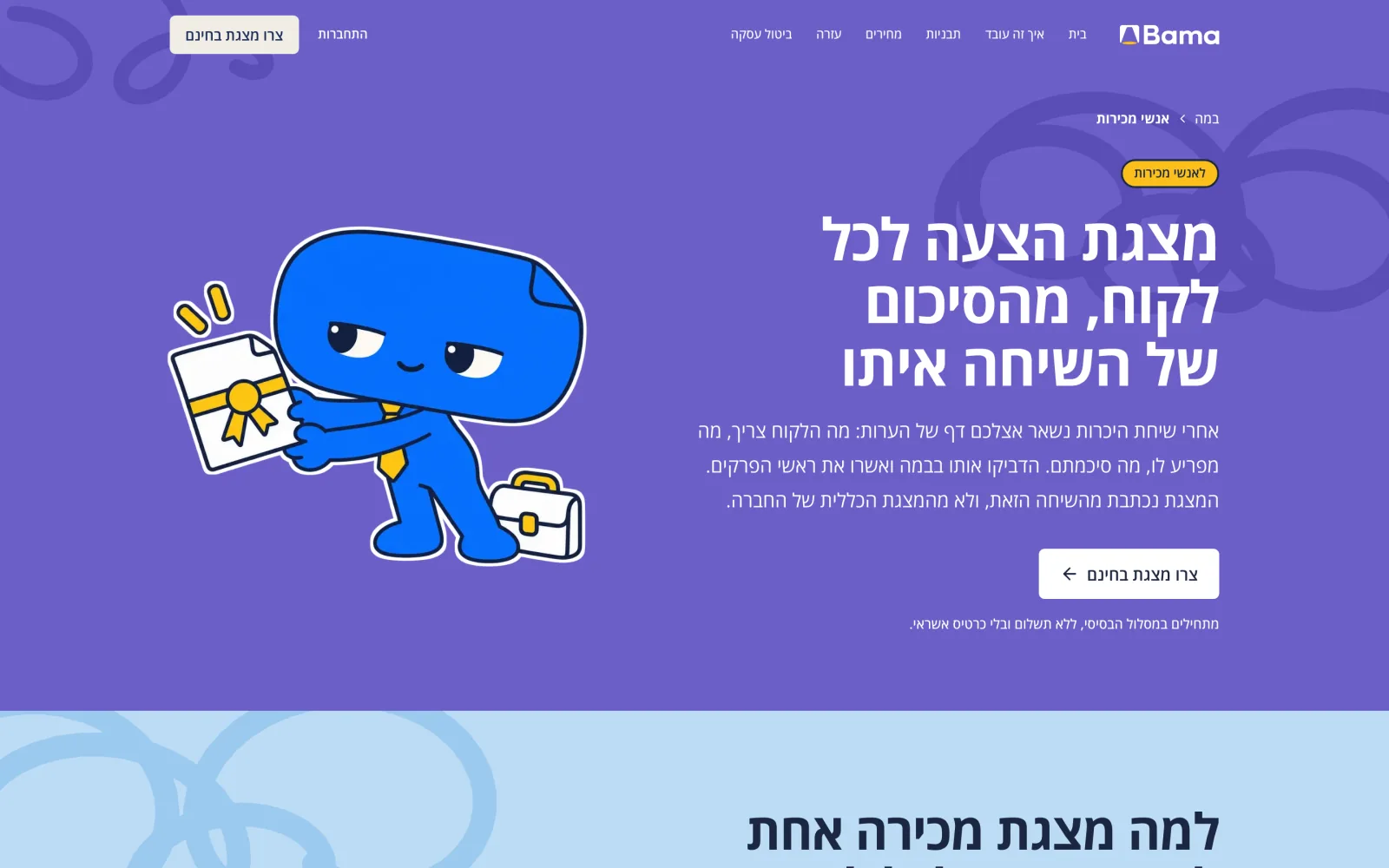
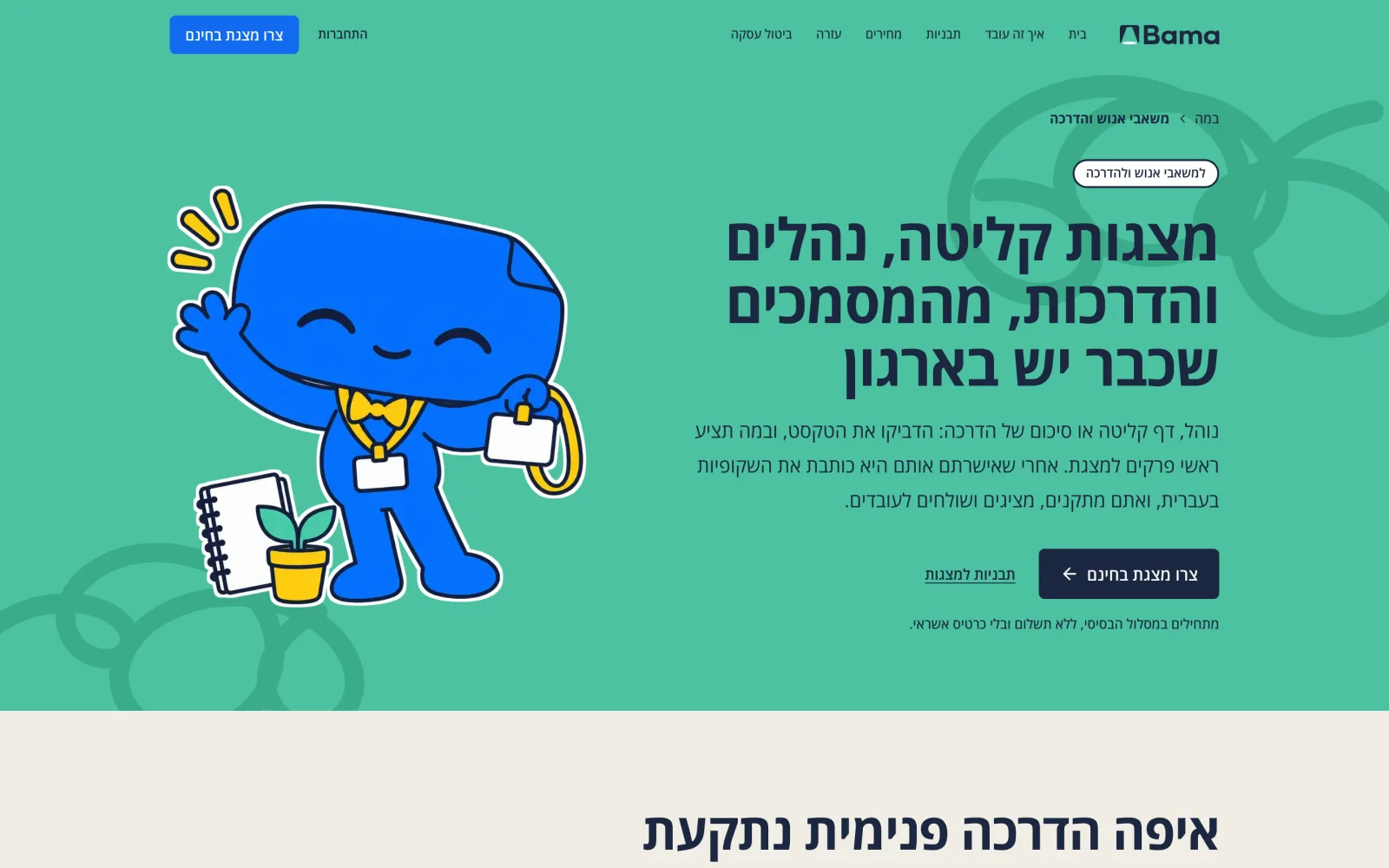
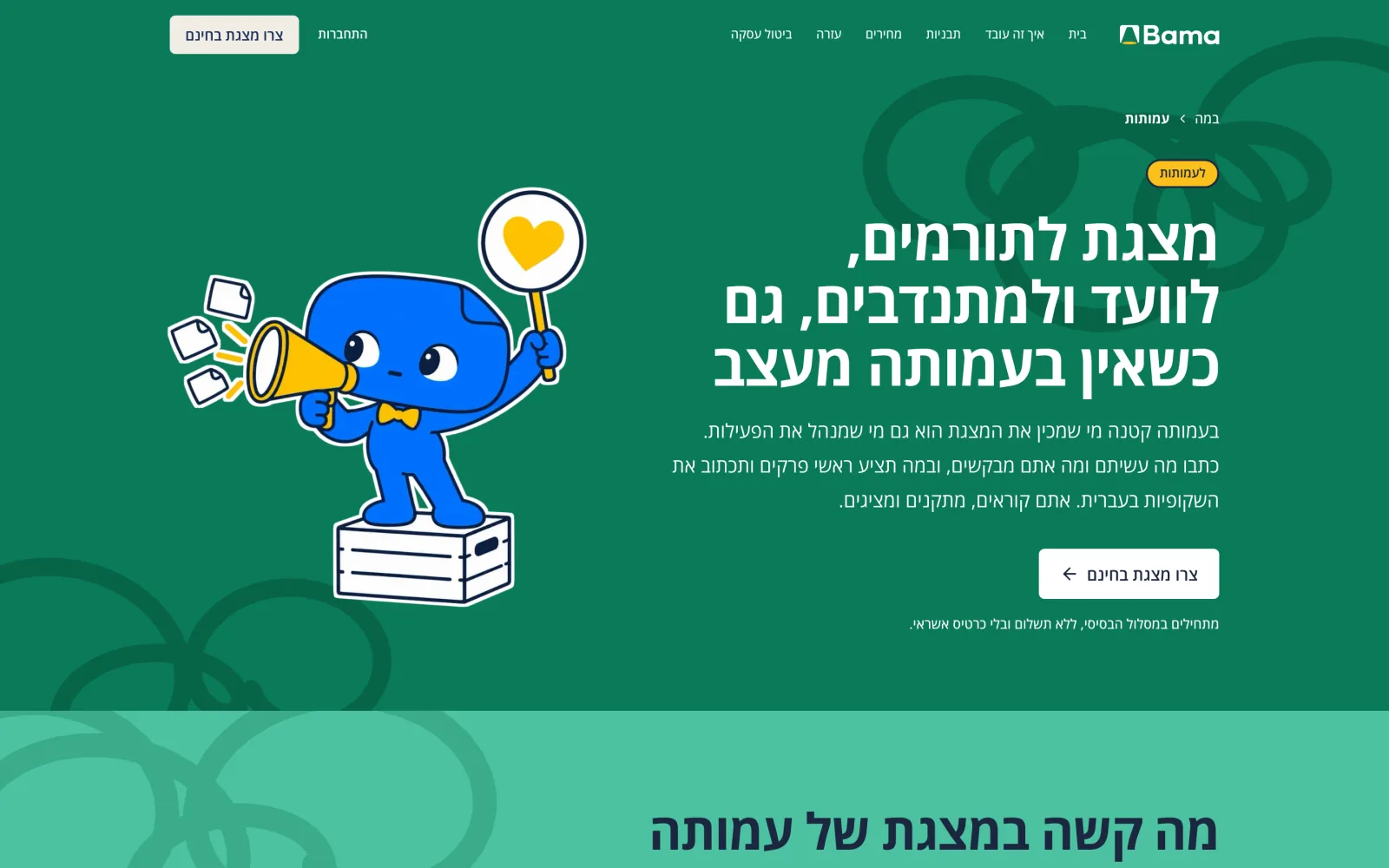
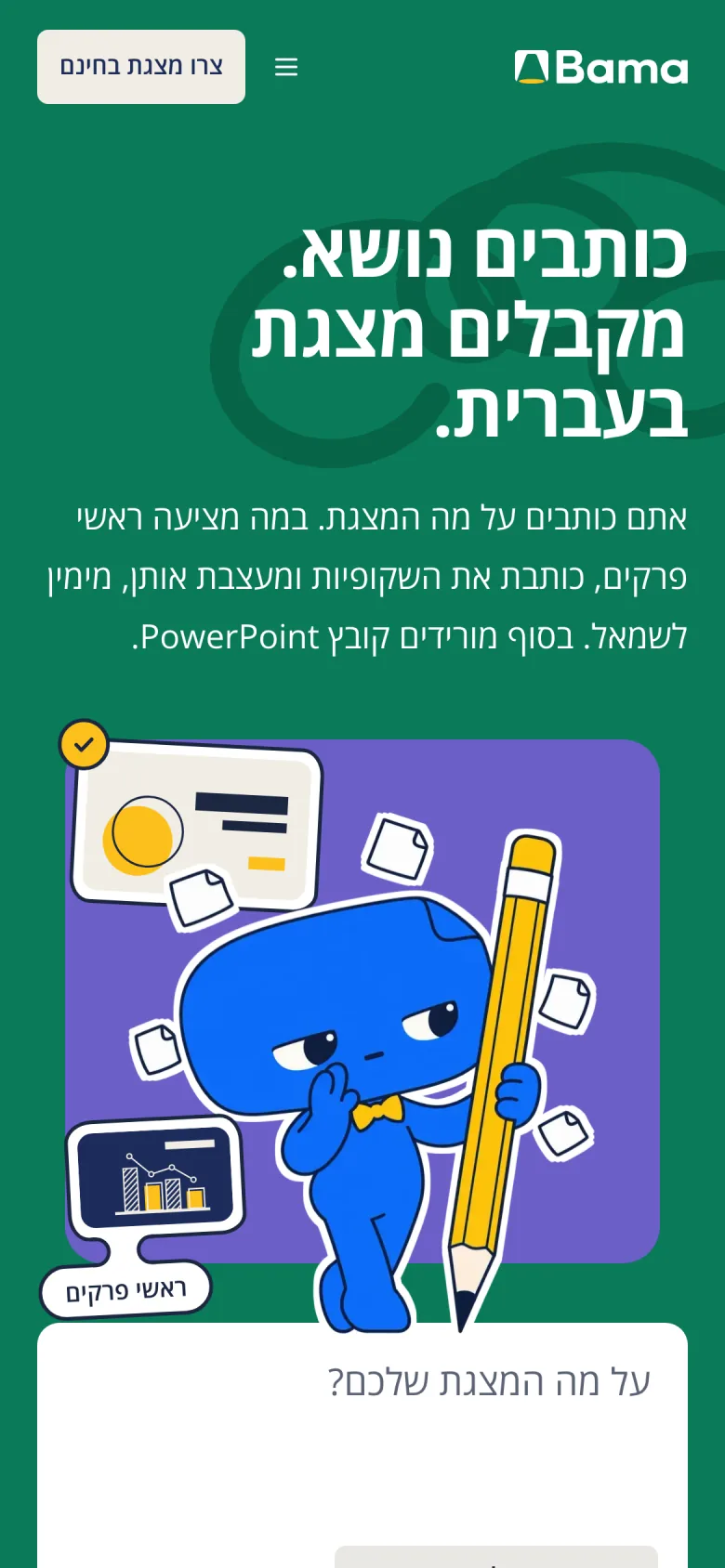
The app stays calm on one cream ground. The site turns the volume up: flat fields of sun, leaf, grape and sky, Bami in every hero, and the whole product in one headline, כותבים נושא. מקבלים מצגת בעברית. (“Write a topic. Get a presentation in Hebrew.”) The blue key and the typeface are the same in both, so they read as one product.
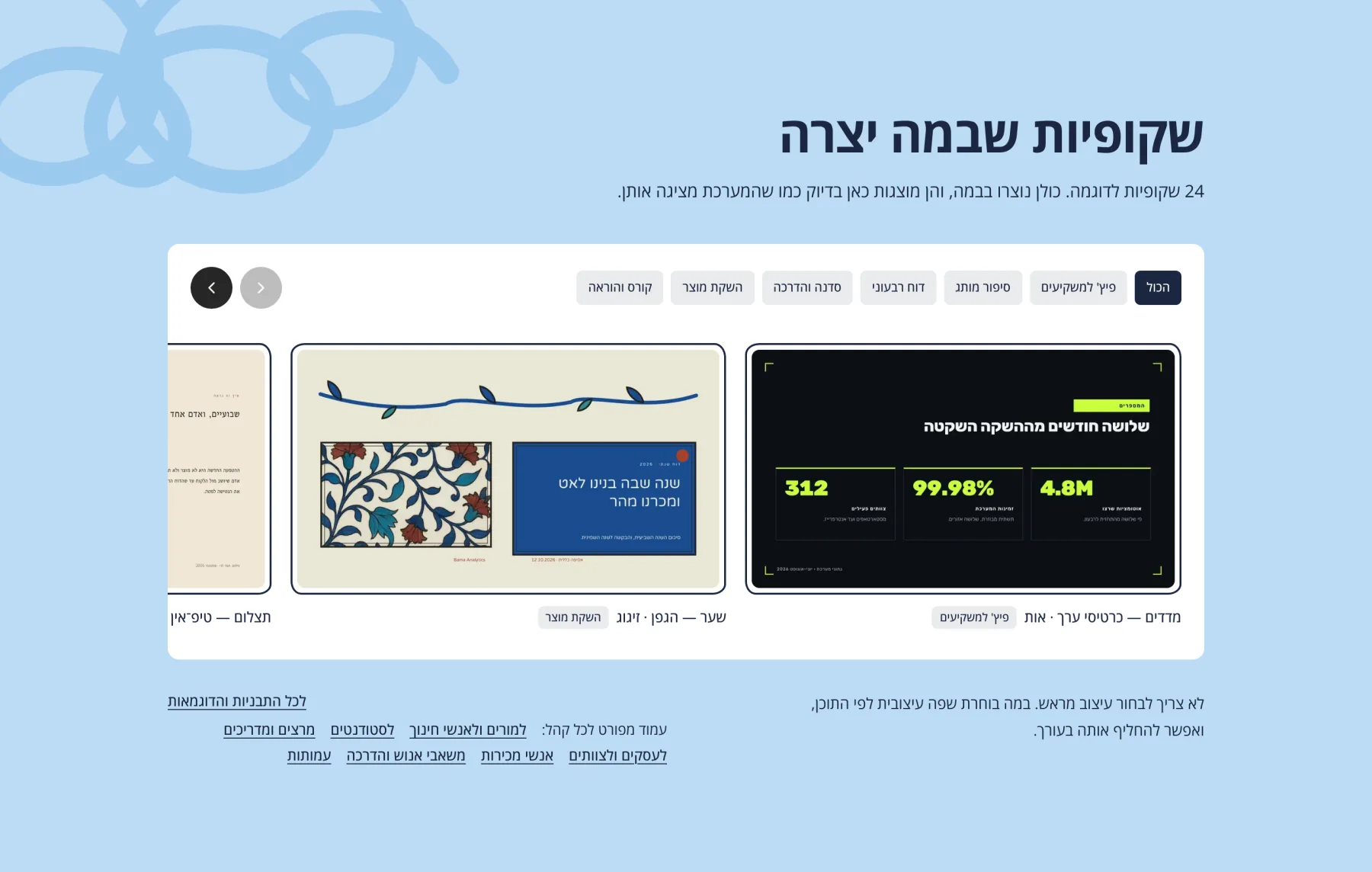
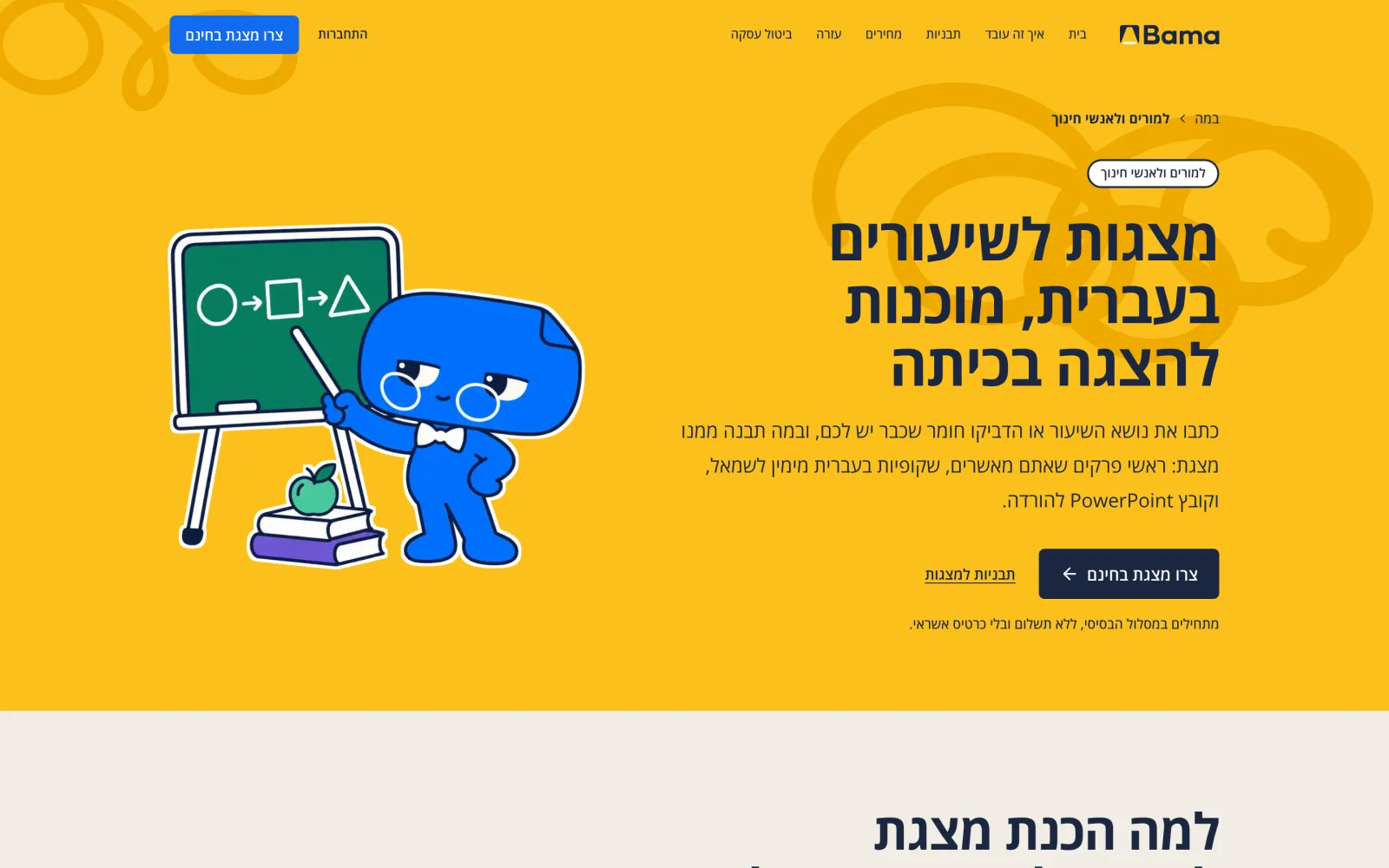
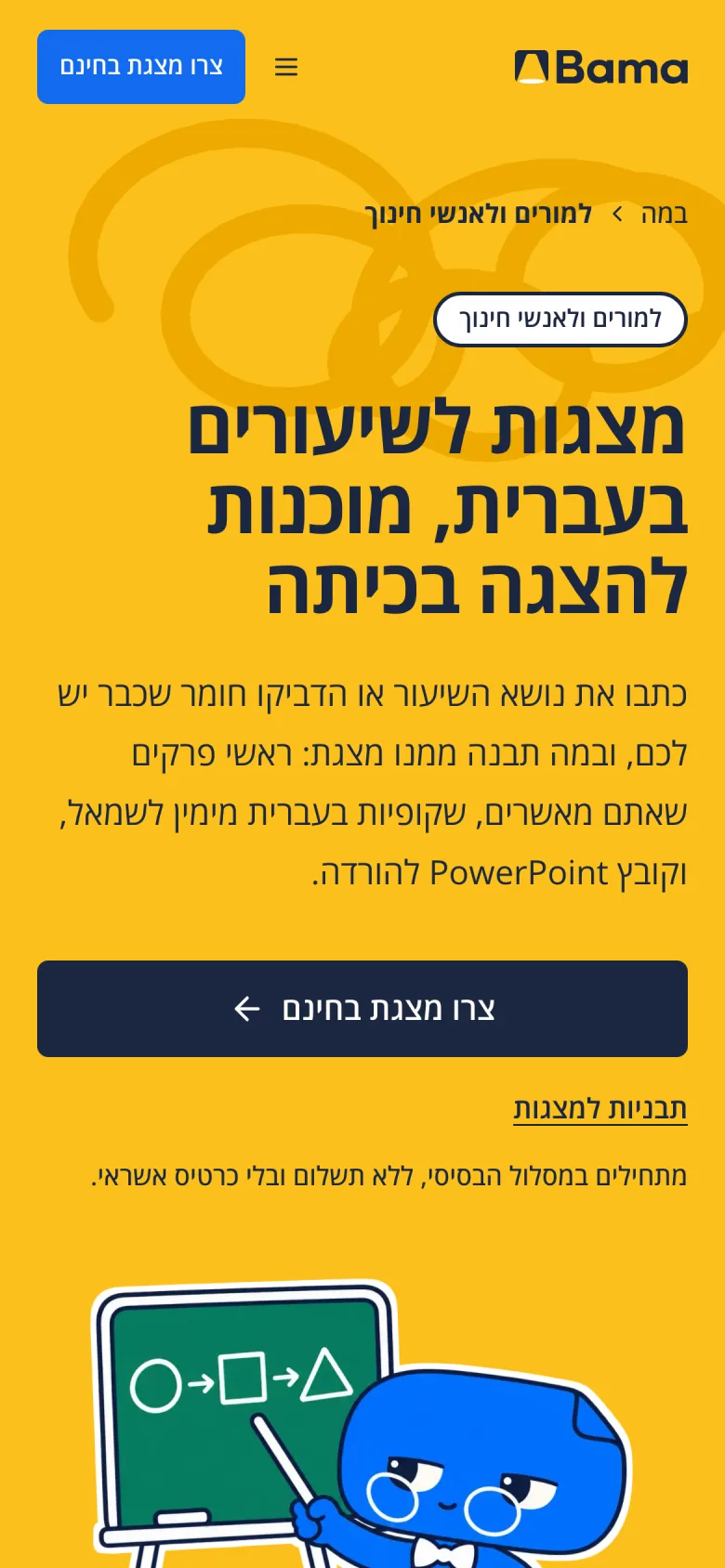
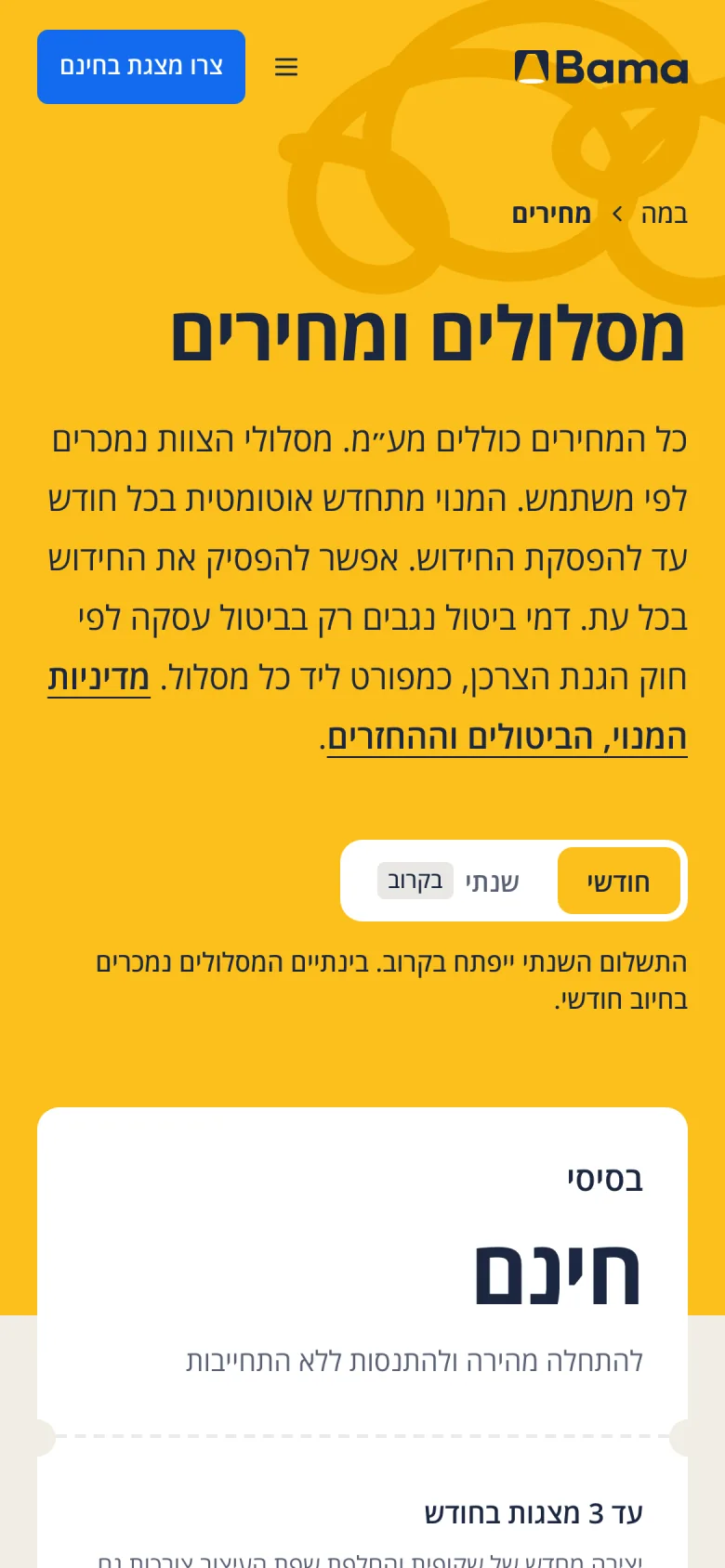
Ten more pages each speak to one reader or one job, from teachers and students to sales teams and investor decks, and answer the same questions in their words.
Around the site
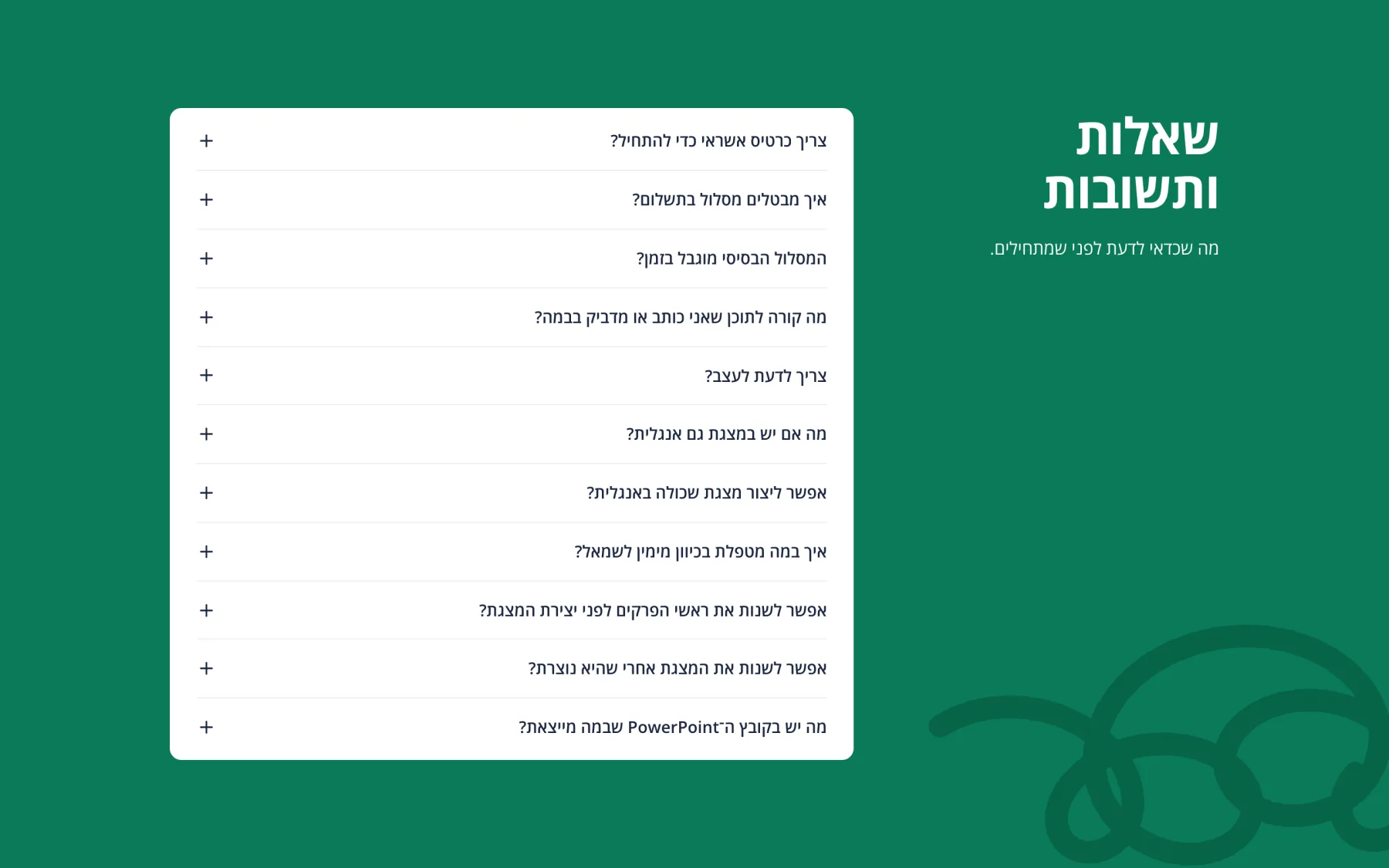
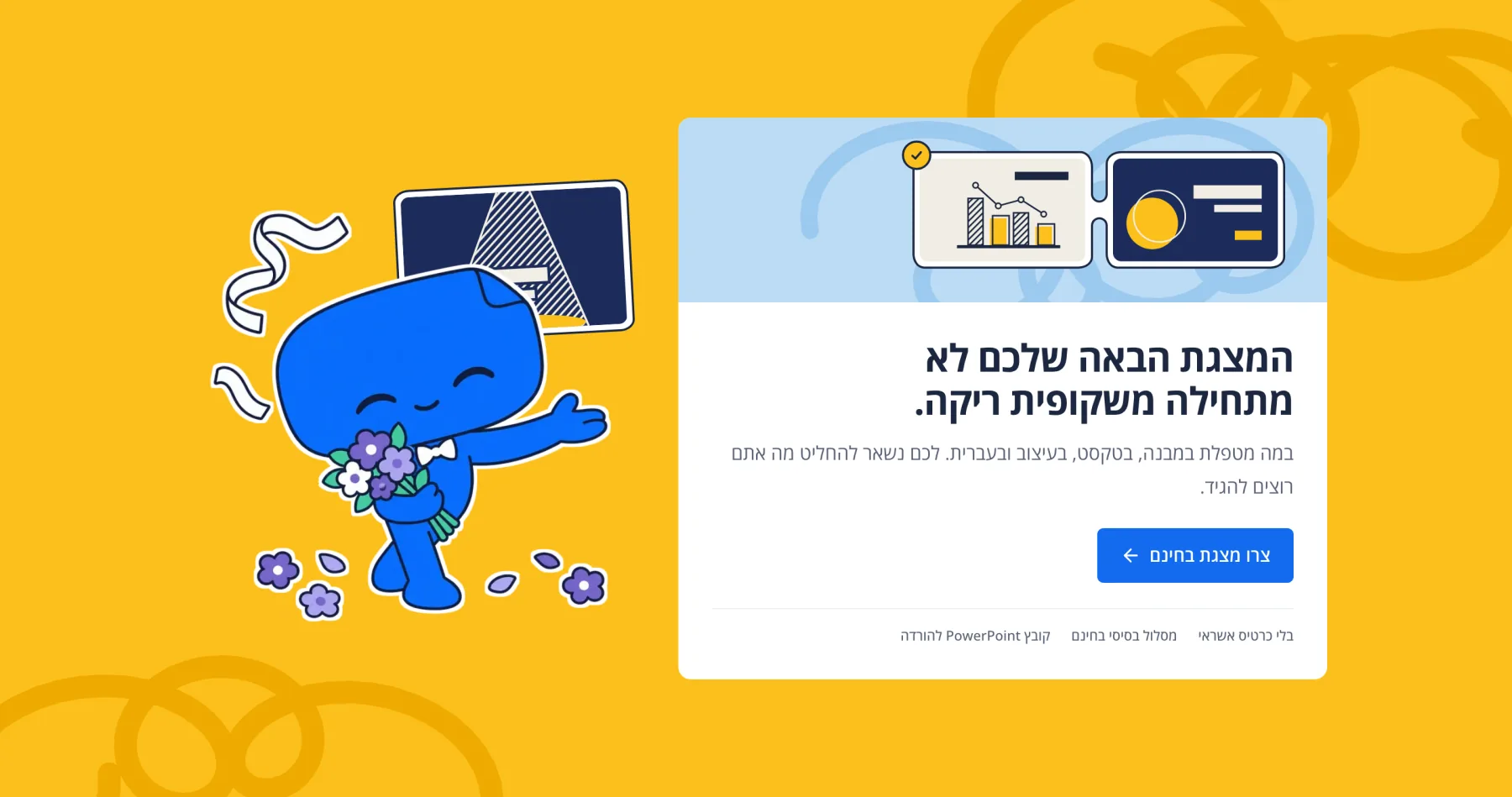
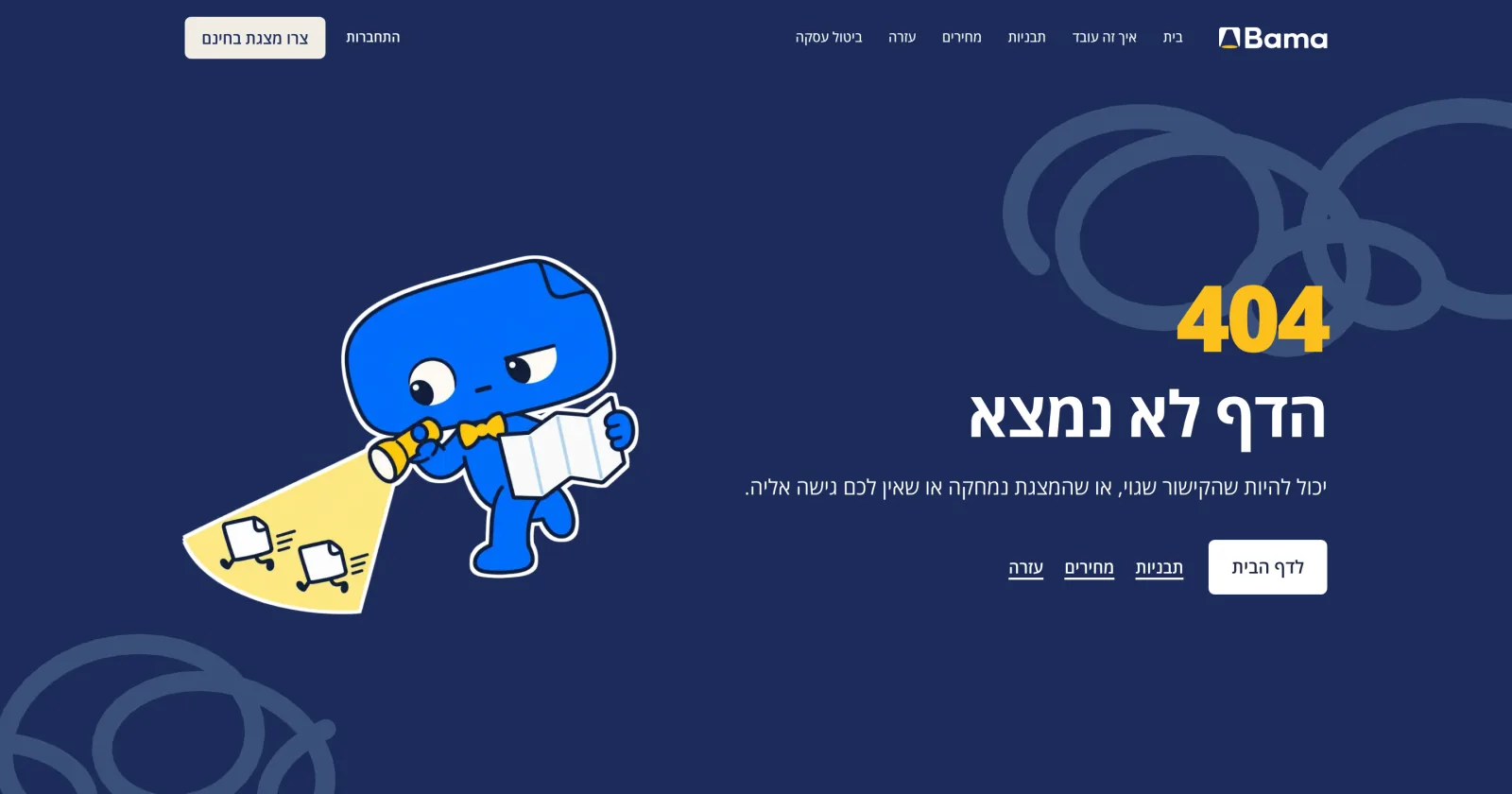
A page for each reader
On a phone
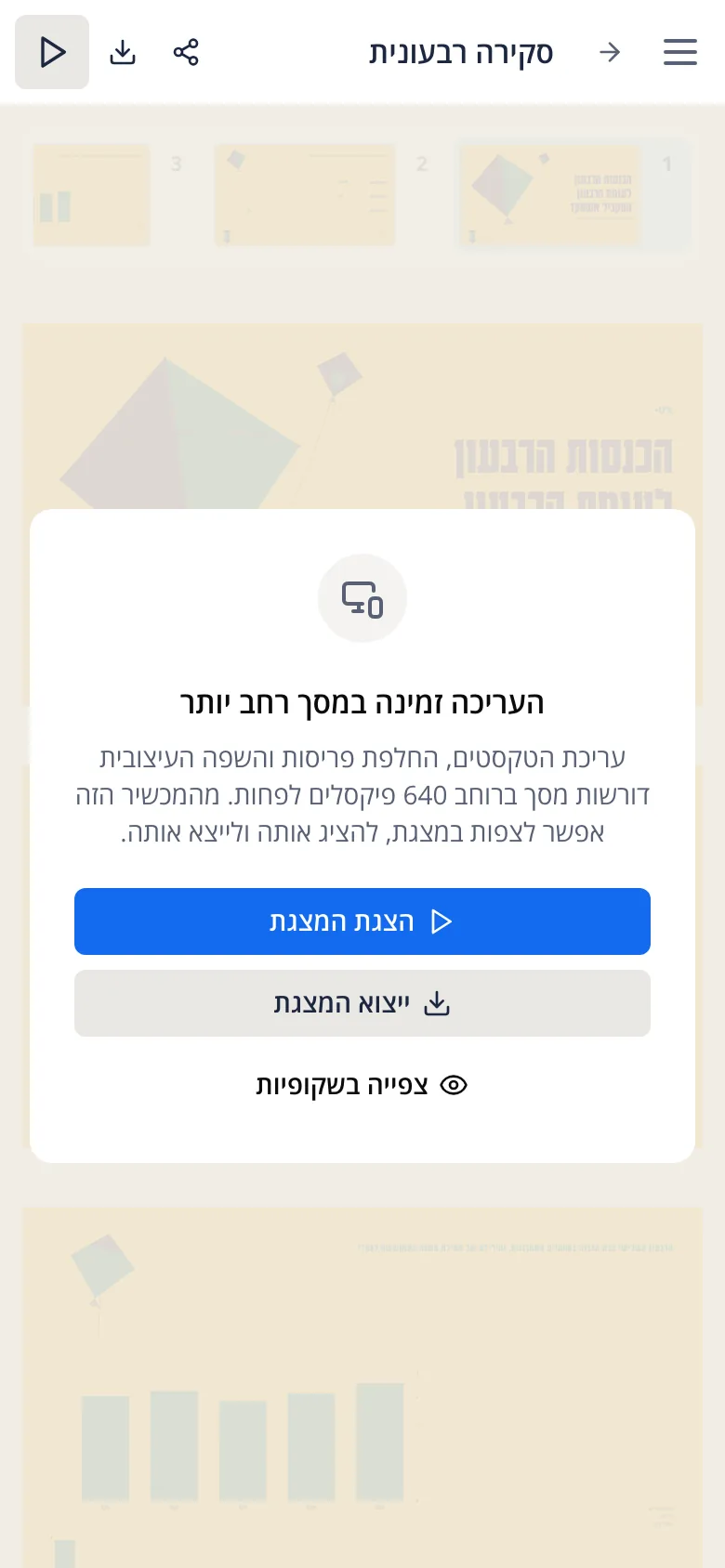
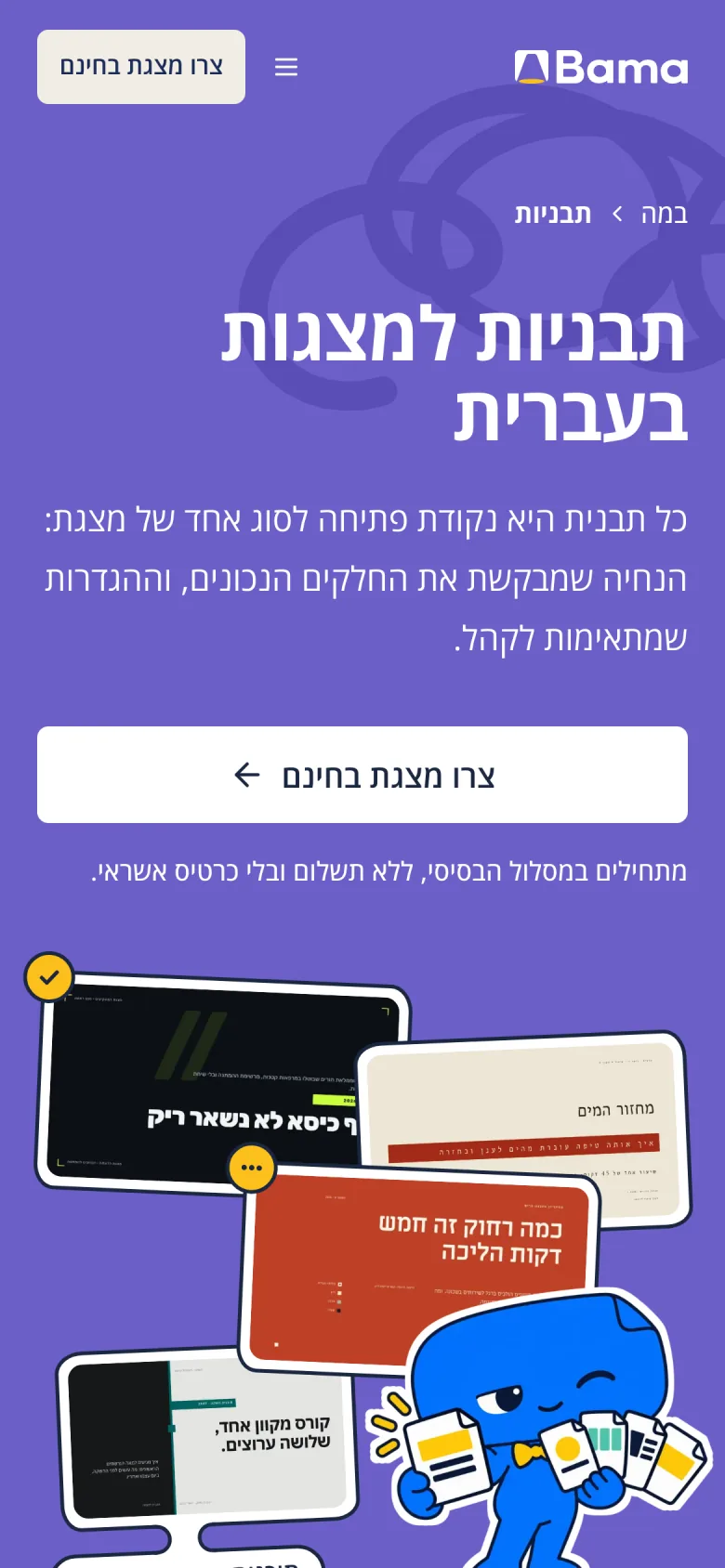
Editing a deck needs room, so on a phone Bama opens a deck to present, export or view, and editing waits for a bigger screen. On the site, each hero stacks the headline, the lead and the key above Bami, so the button comes before the drawing.
On a phone
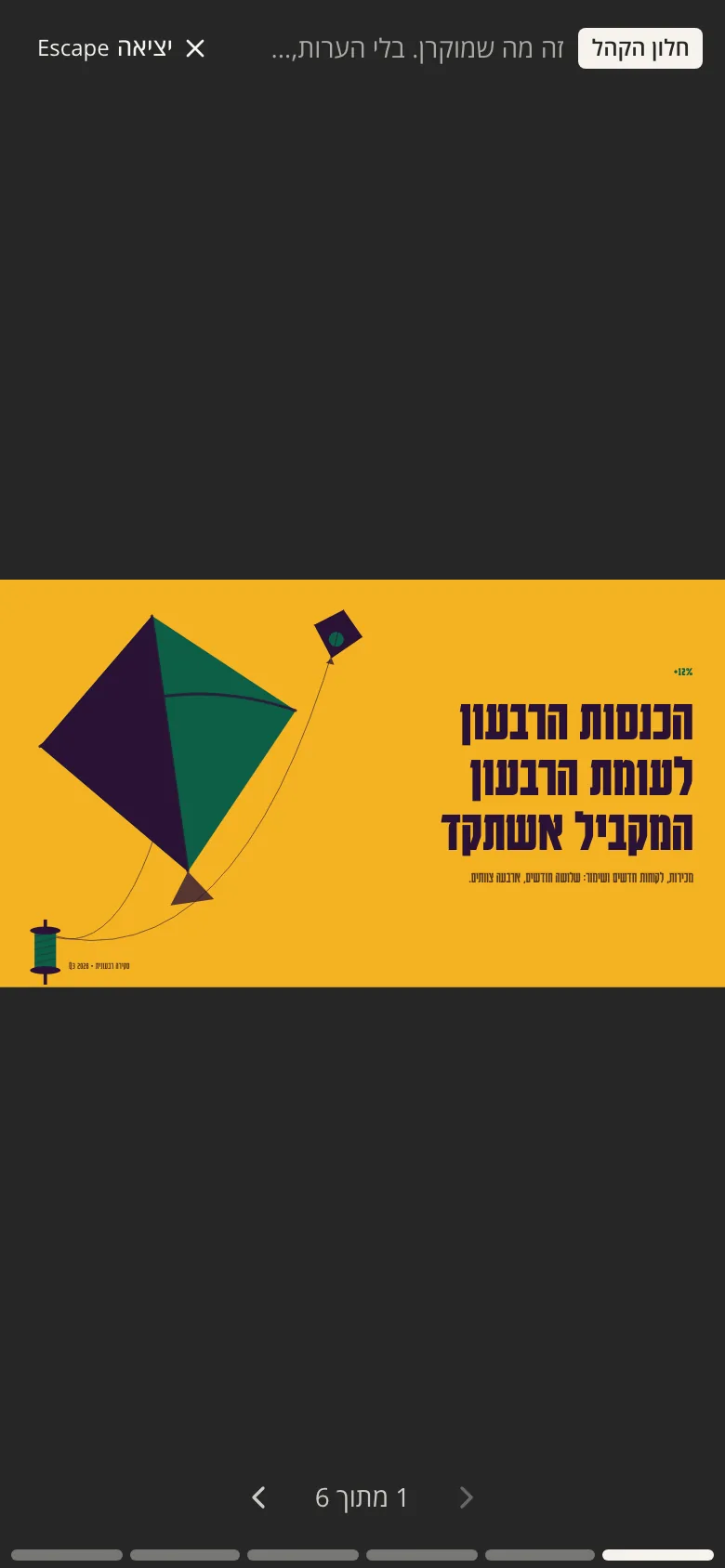
The launch film
I made a thirty-second film for the launch, cut for YouTube and for phones. It plays the promise in order: real slides, a request typed, the outline arriving and reordered, slides written one after another while Bami works, a change of look and the PowerPoint file. It has sound, so it waits for you to press play.
Built with
- Next.js
- React
- Tailwind CSS
- Prisma
- Supabase
- AI SDK
Outcome
Bama is live at bama-slides.com, and anyone can sign up.
Credits
- Jonathan Rashi
- Co-founder · Product design · Brand · Frontend
- Rom Tregerman (opens in a new tab)
- Co-founder · Backend
About the pictures
The app’s boards and films are Bama’s own interface, captured from its demo mode in October 2026 and laid out on fields from the brand’s palette, with nothing recolored or redrawn. Demo mode writes placeholder text where a real deck would have its own, and in the films only the timing and the pointer are edited. The site’s pictures are captures of bama-slides.com, signed out, on October 24, 2026, without a third-party accessibility button. The launch film redraws the interface.